New article
Recently updated
Using live tracker controls

Who is this article for?
Users tracking a flight on the live tracker.
No special access or permissions are required.
This article guides you through using the live flight tracker controls.
Accepting cookies
To ensure you have the best experience on our website, we use cookies. Click Accept all to enable cookies.
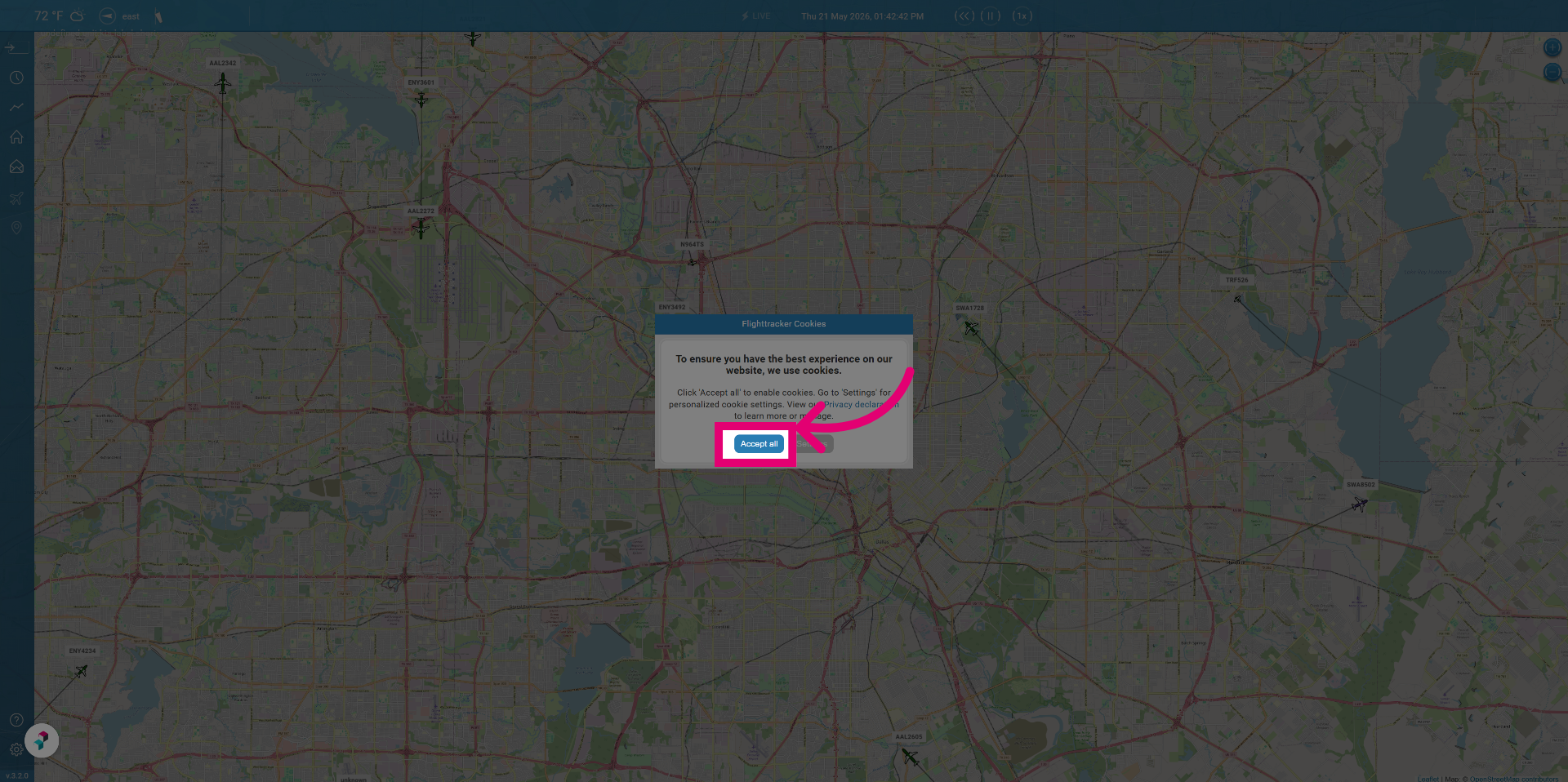
You can personalise these options in settings at any time.
To use the live tracker:
You will be presented with a welcome message from the airport.
Click Continue to proceed to the main flight tracking interface.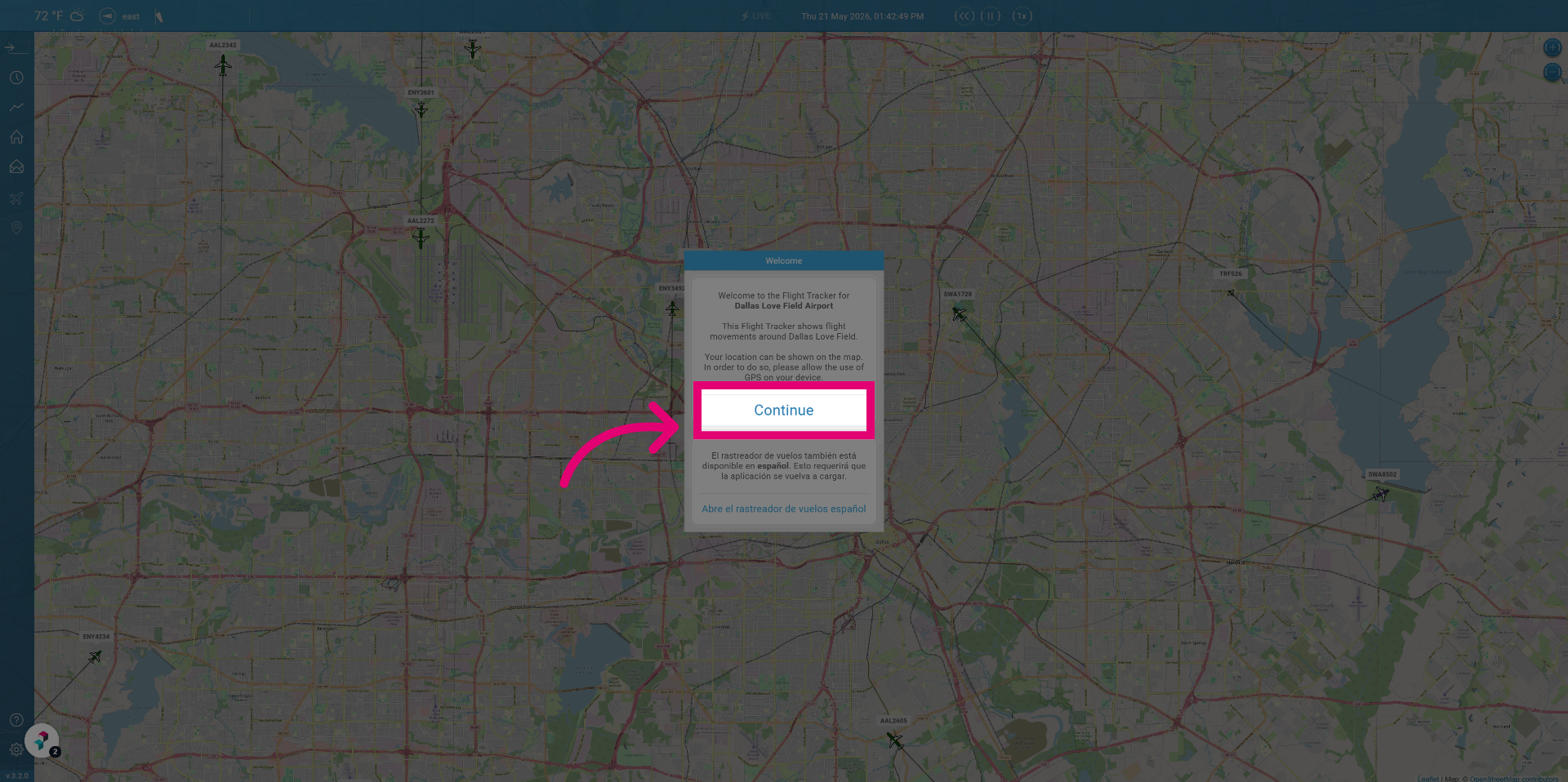
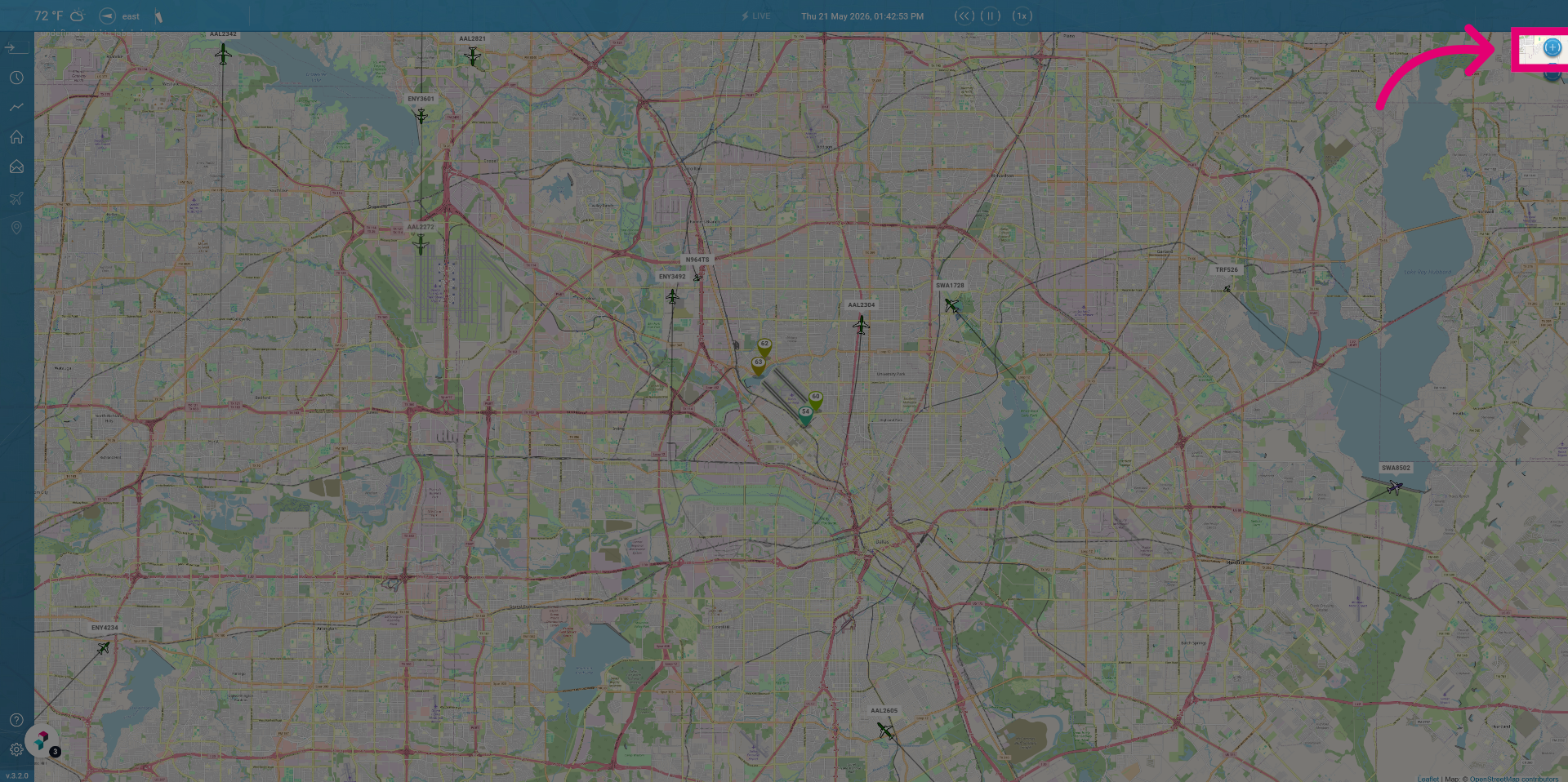
Click the Zoom in icon to get closer on the tracker.
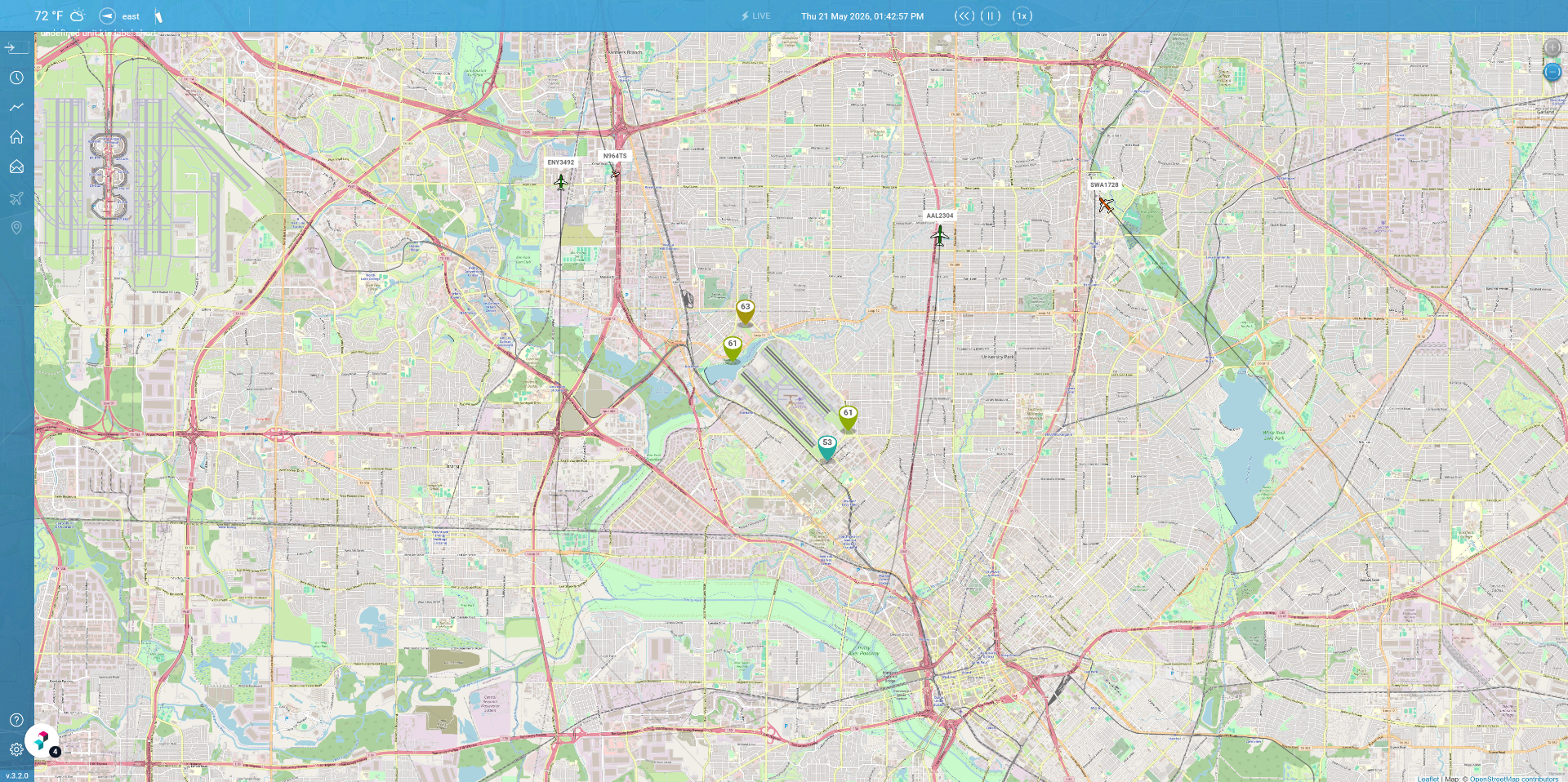
At the top of the page you can control the playback of flights.
You can Pause the playback if you want to look at a specific moment in time.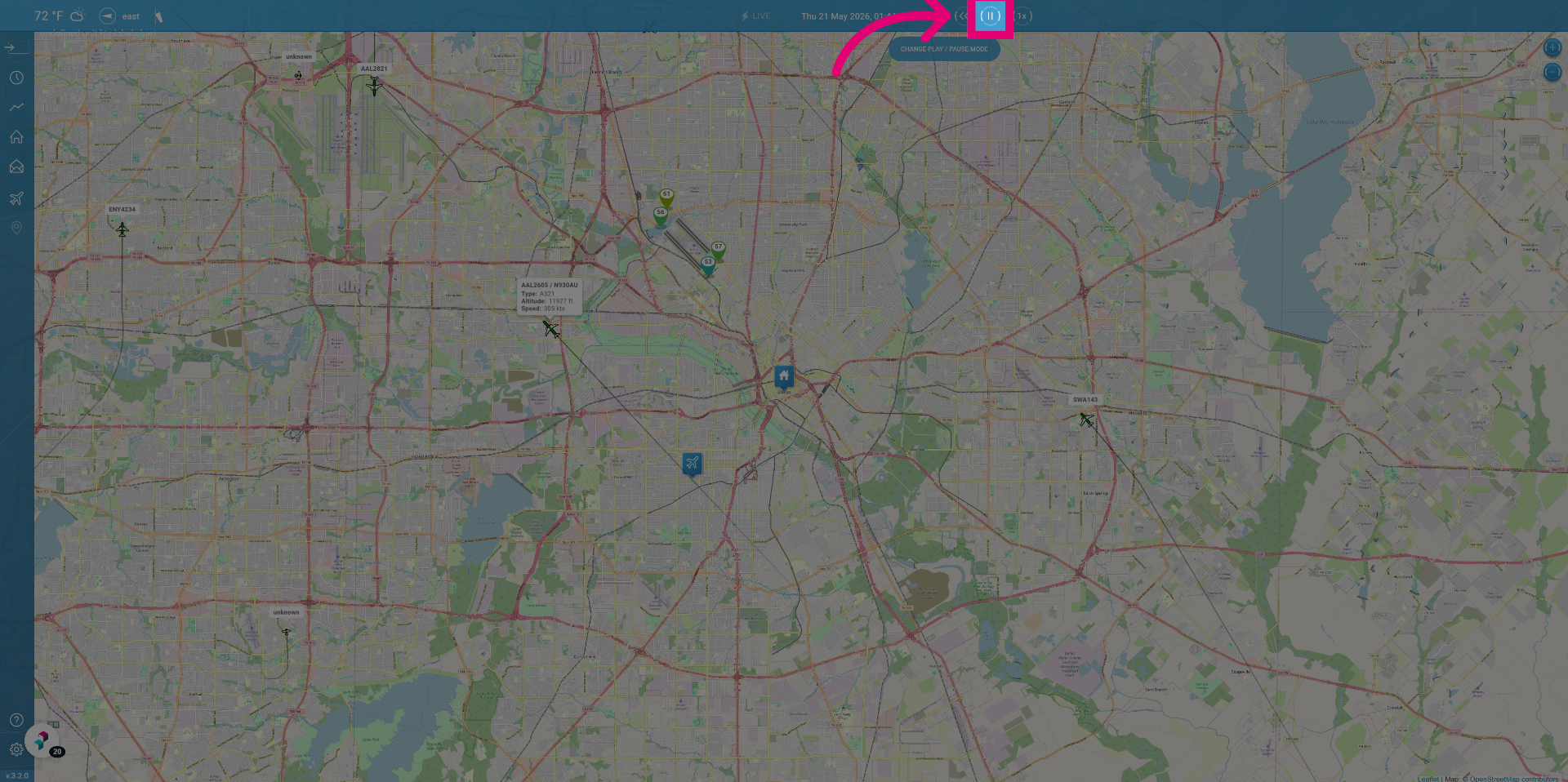
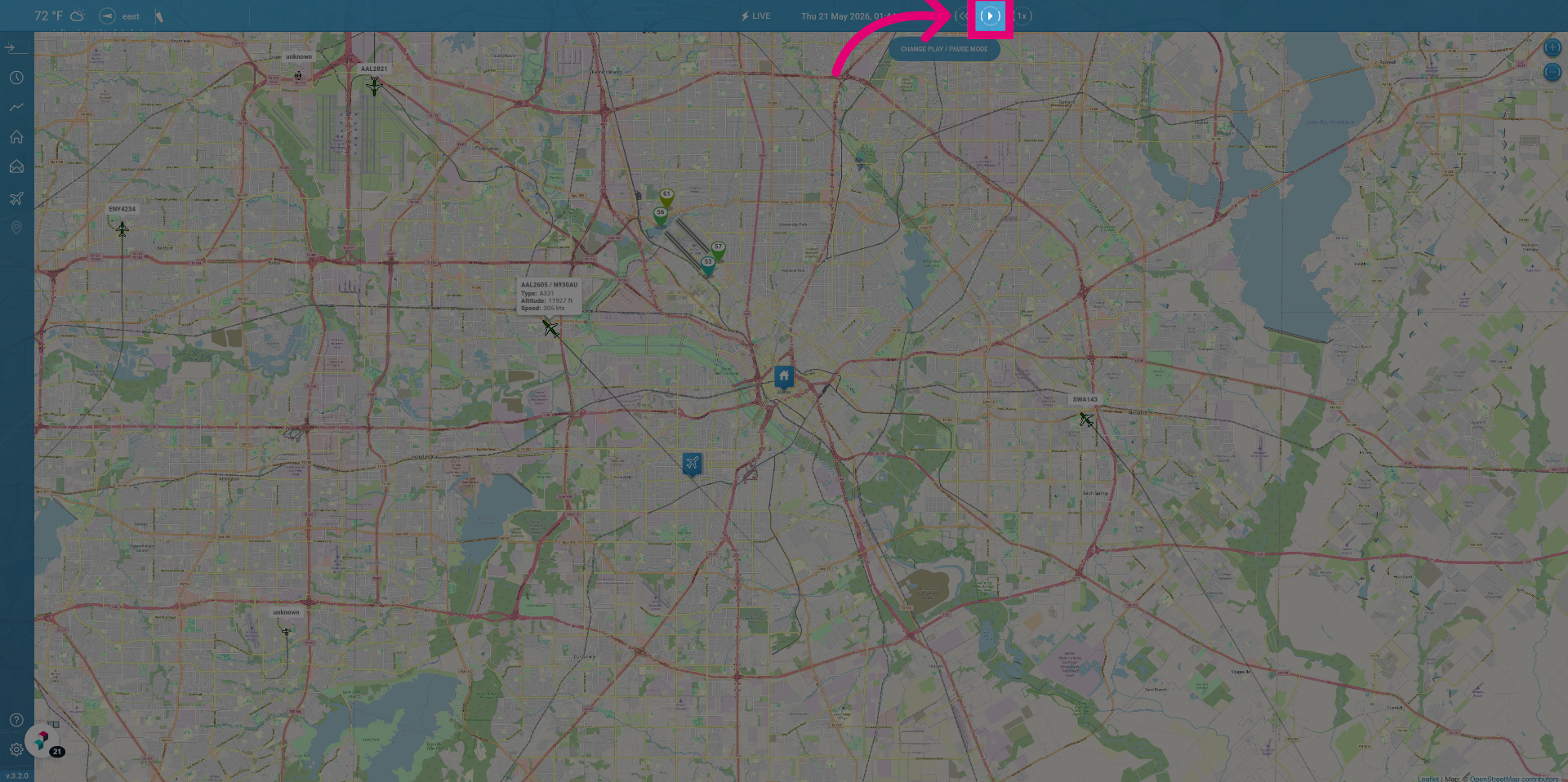
Click Play to start the playback again.
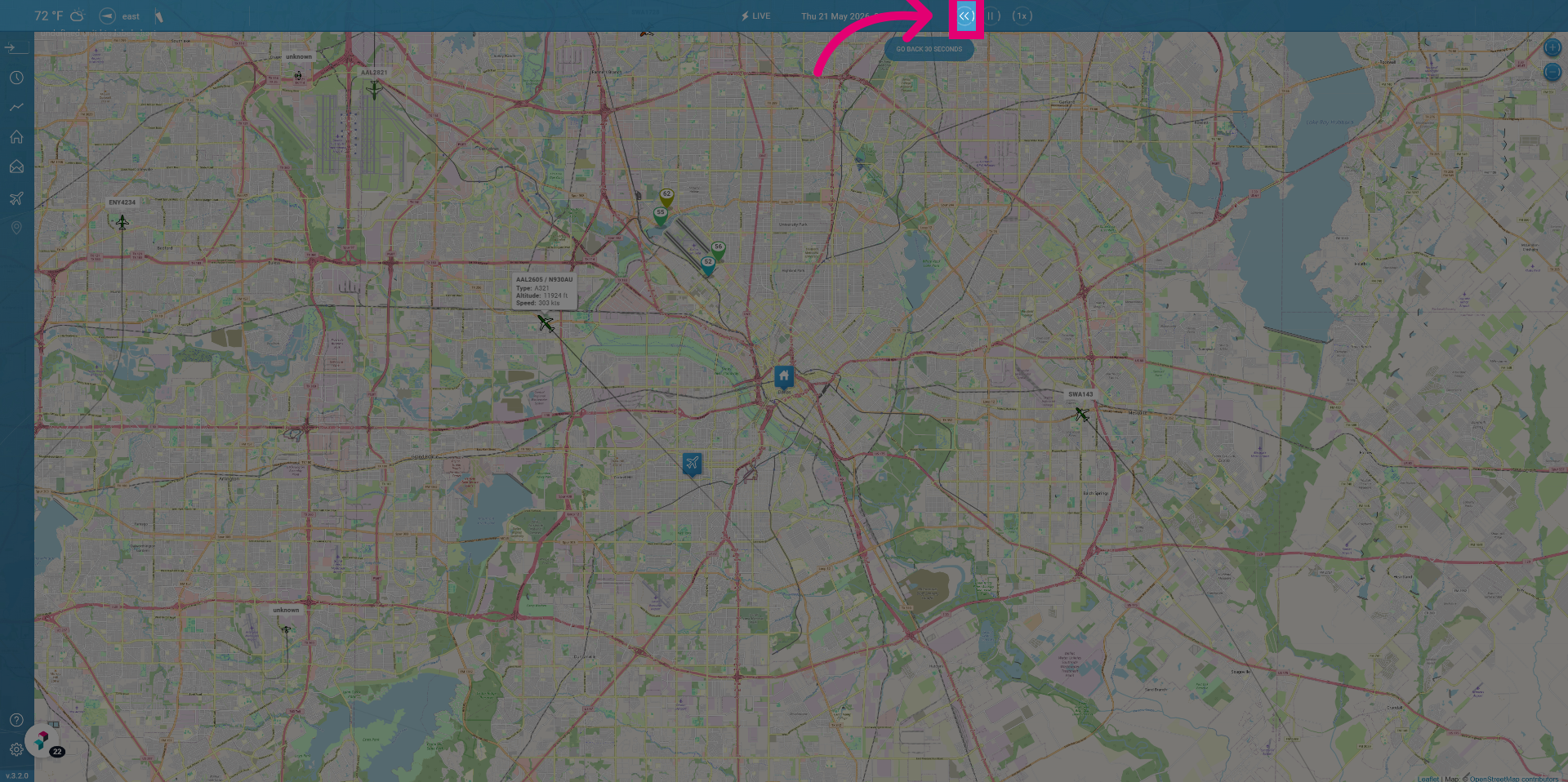
You can also Rewind if needed.
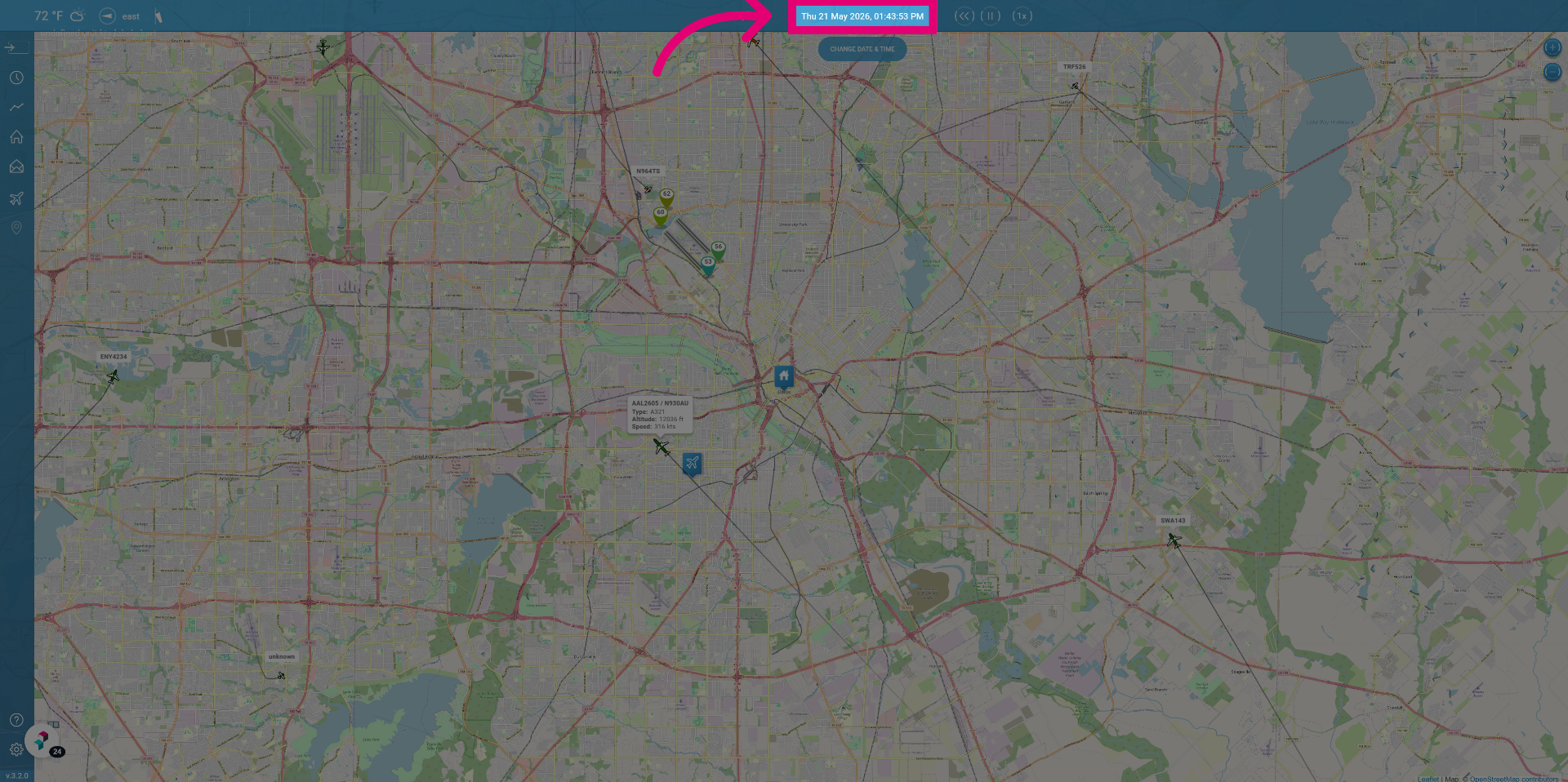
To go further back in time you can click the time so that a bar will pop out where you can set the time and day you're interested in.
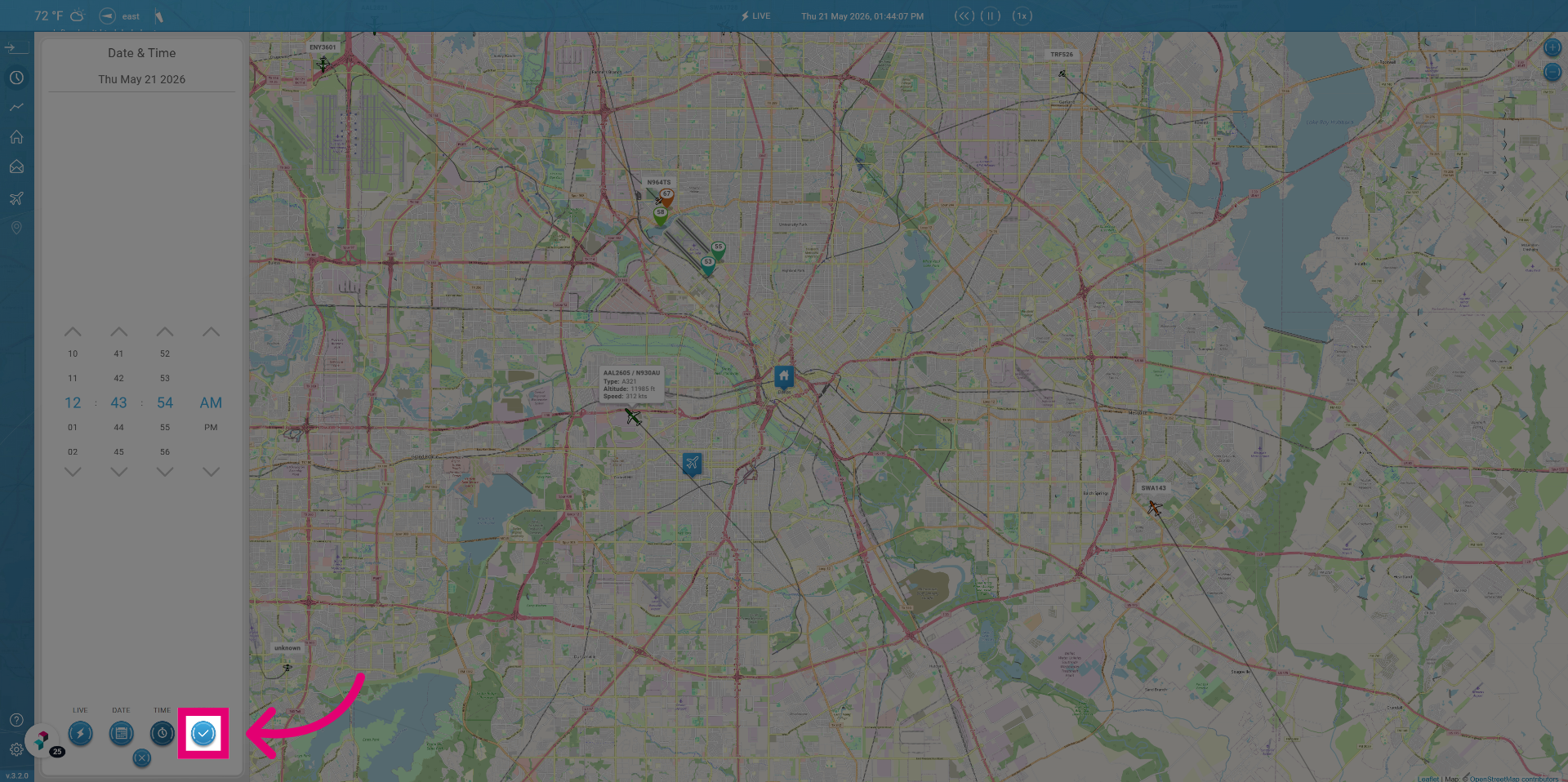
When you've configured the time you're interested, click Apply and you'll be shown what flights were flying at that point in time.
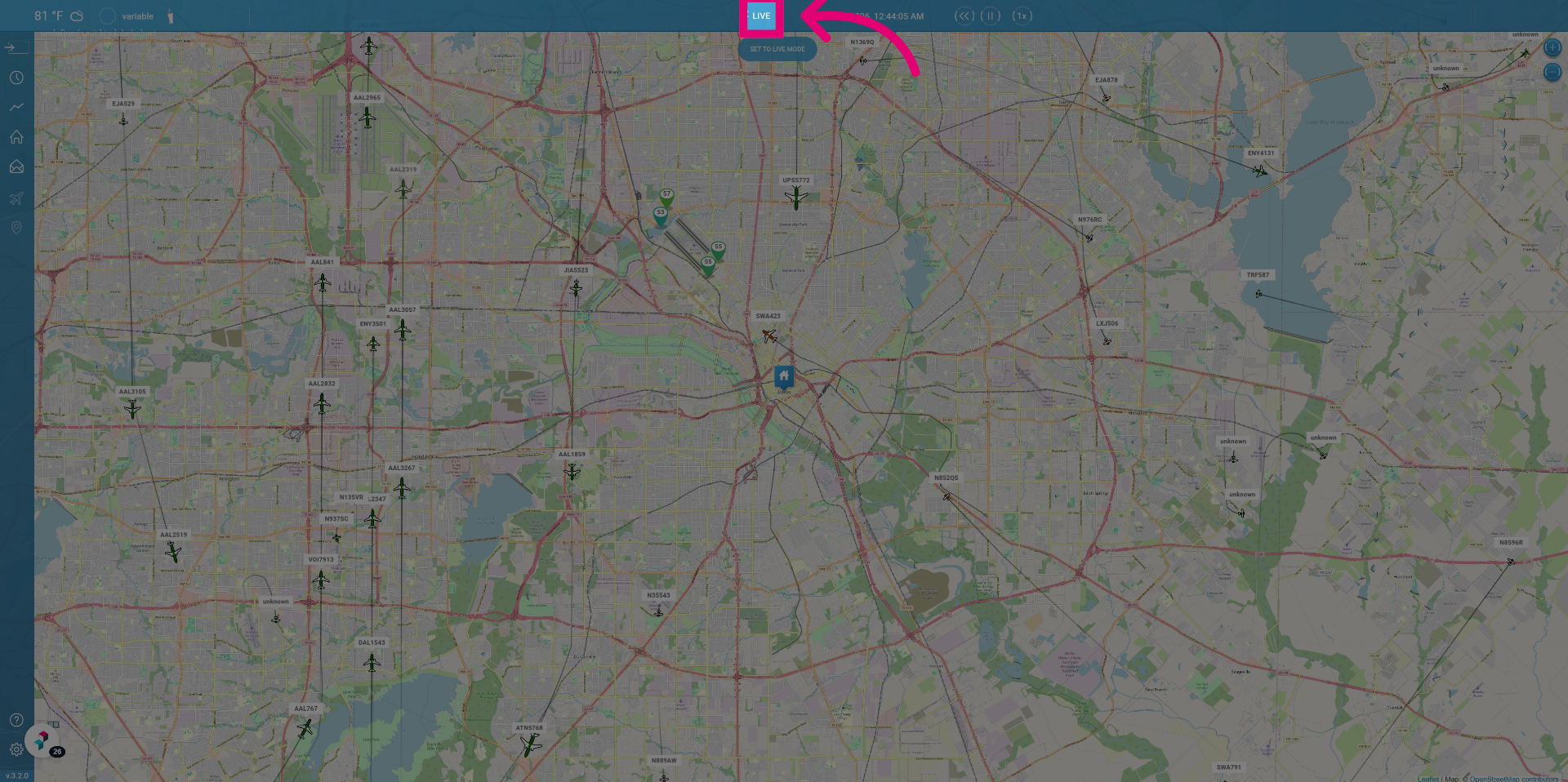
Click Live to switch the flight tracker to live mode for real-time updates.
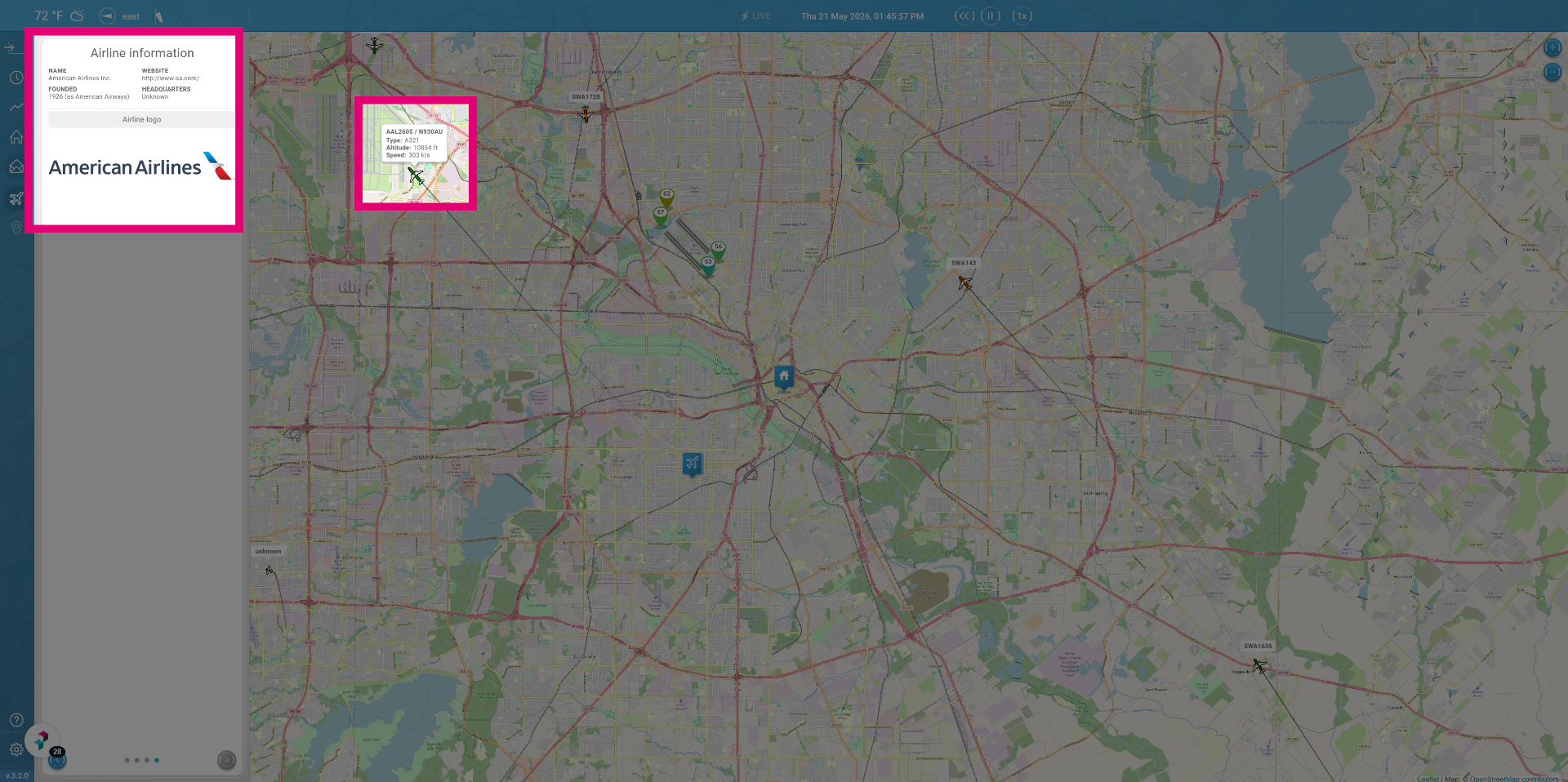
You can click on a specific flight to view detailed information about this flight.
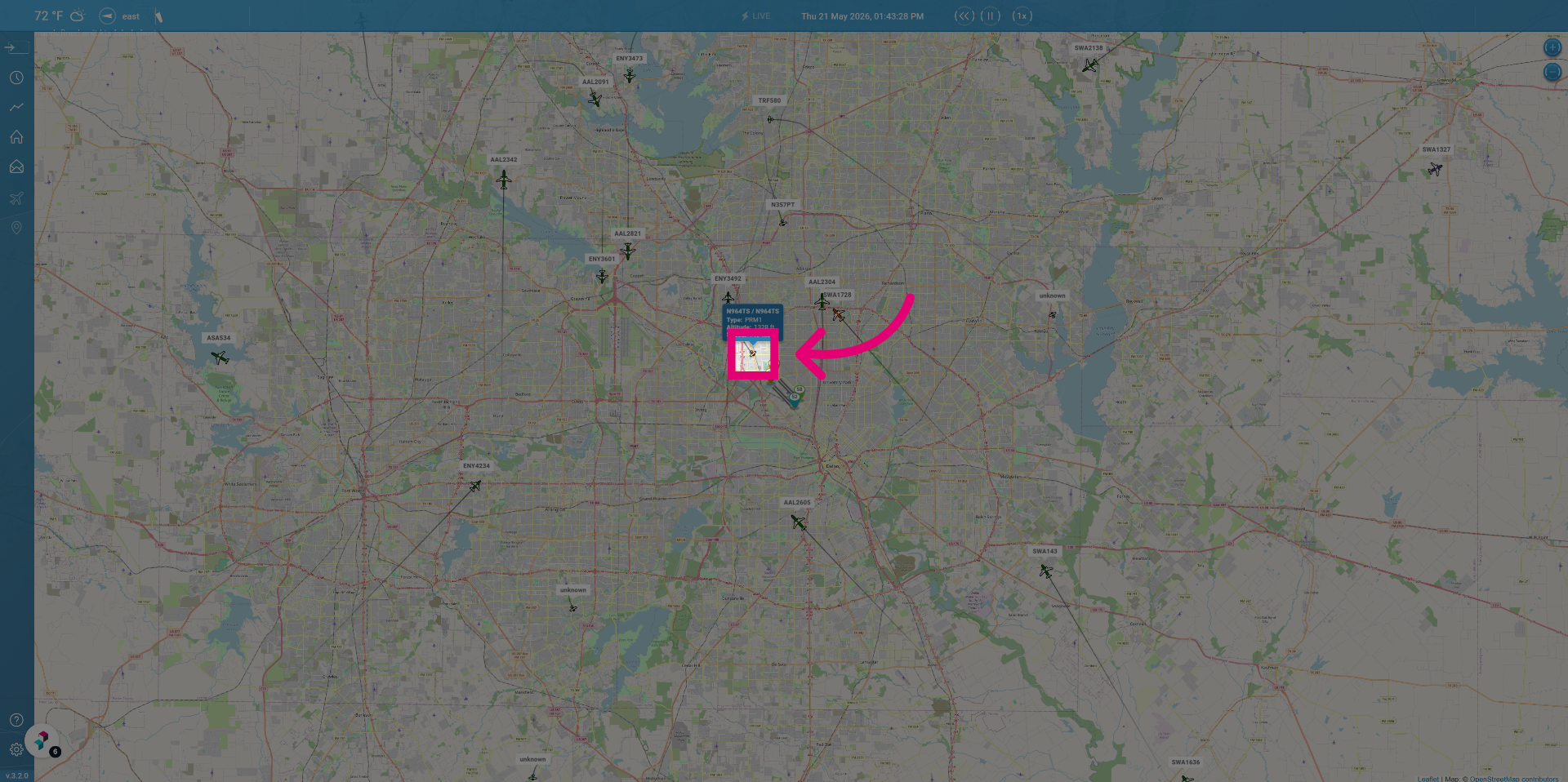
After clicking on an airplane the flight details have become visible.