New article
Recently updated
Navigating the platform

Who is this article for?
Users navigating the platform for the first time.
No special access or permissions are required.
This article guides you through the platform menu and information sections.
You will learn how to access flight tracking features, adjust settings, and view flight and noise monitoring data.
Accessing the menu
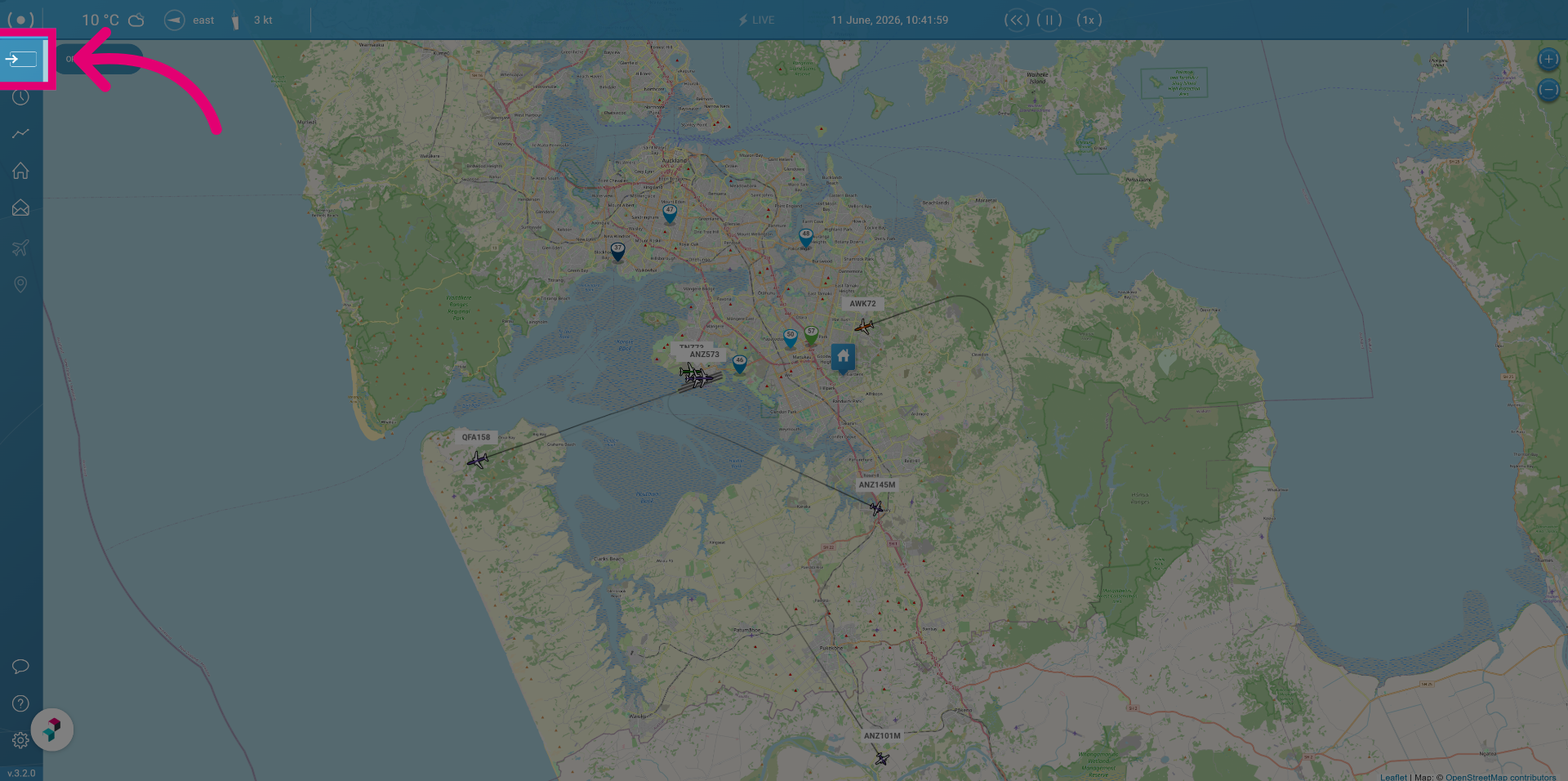
To access the menu:
Click the Expand icon.
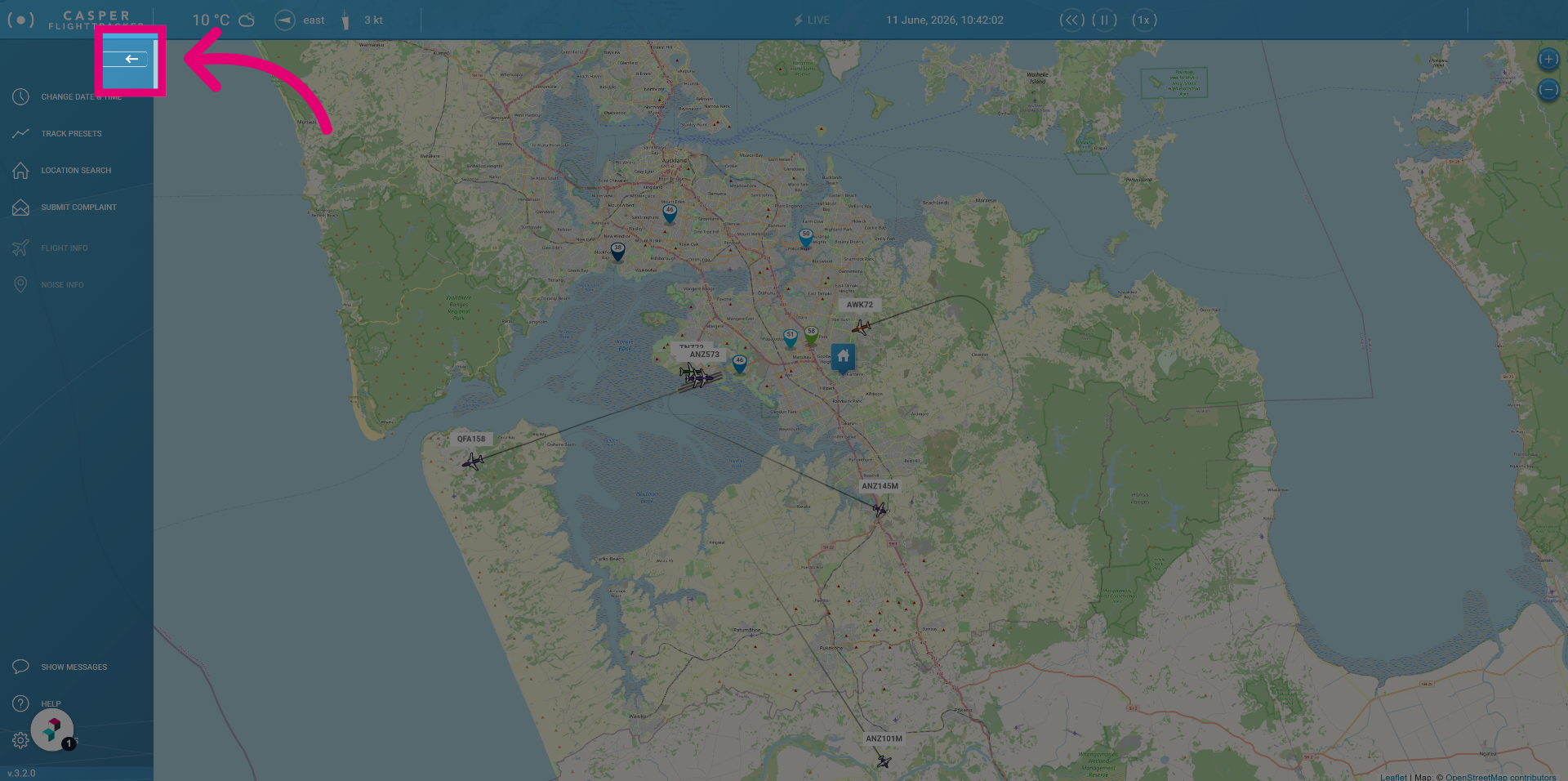
Click the Collapse icon to hide the menu again to only see the icons.
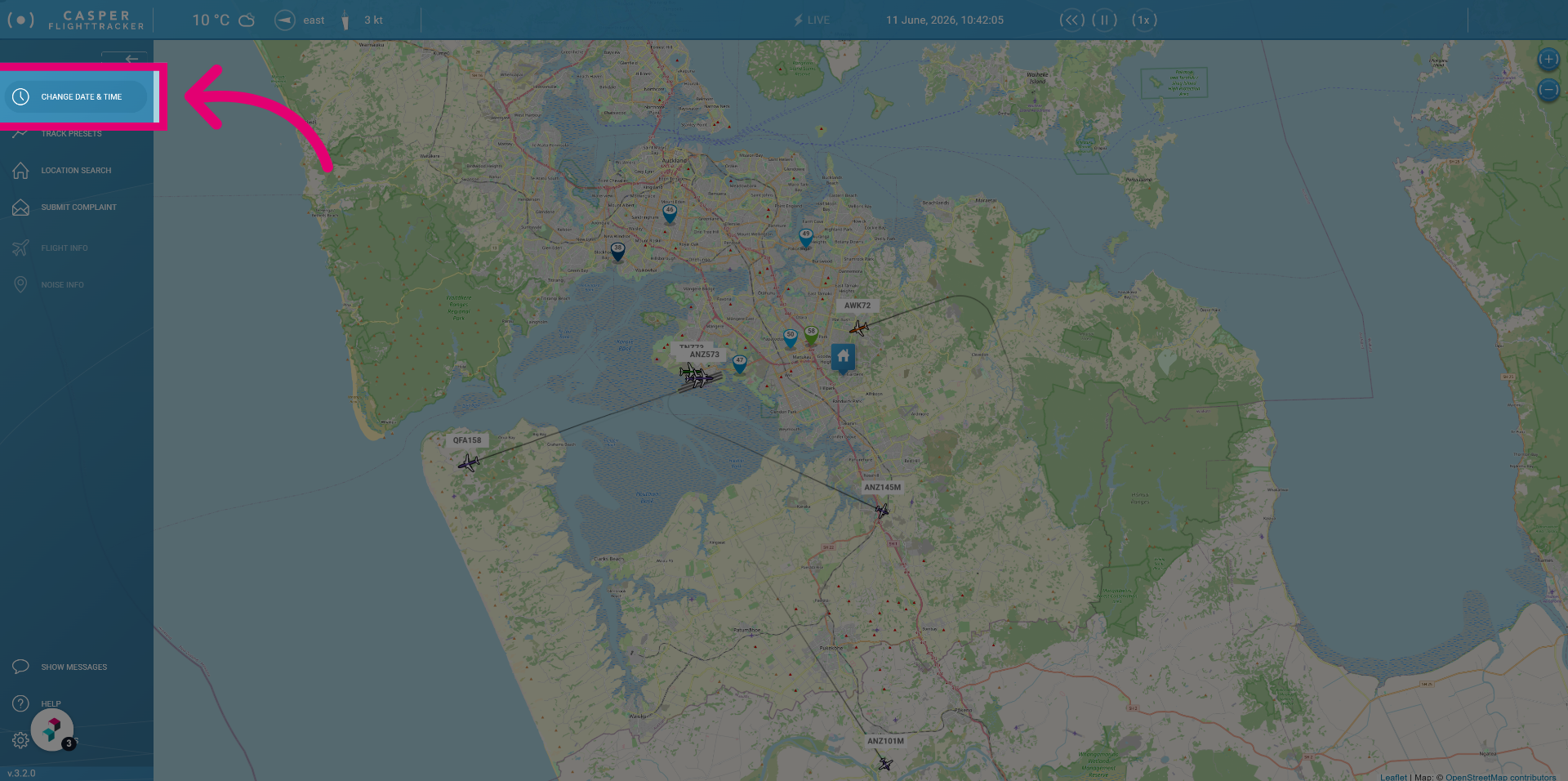
Change date & time
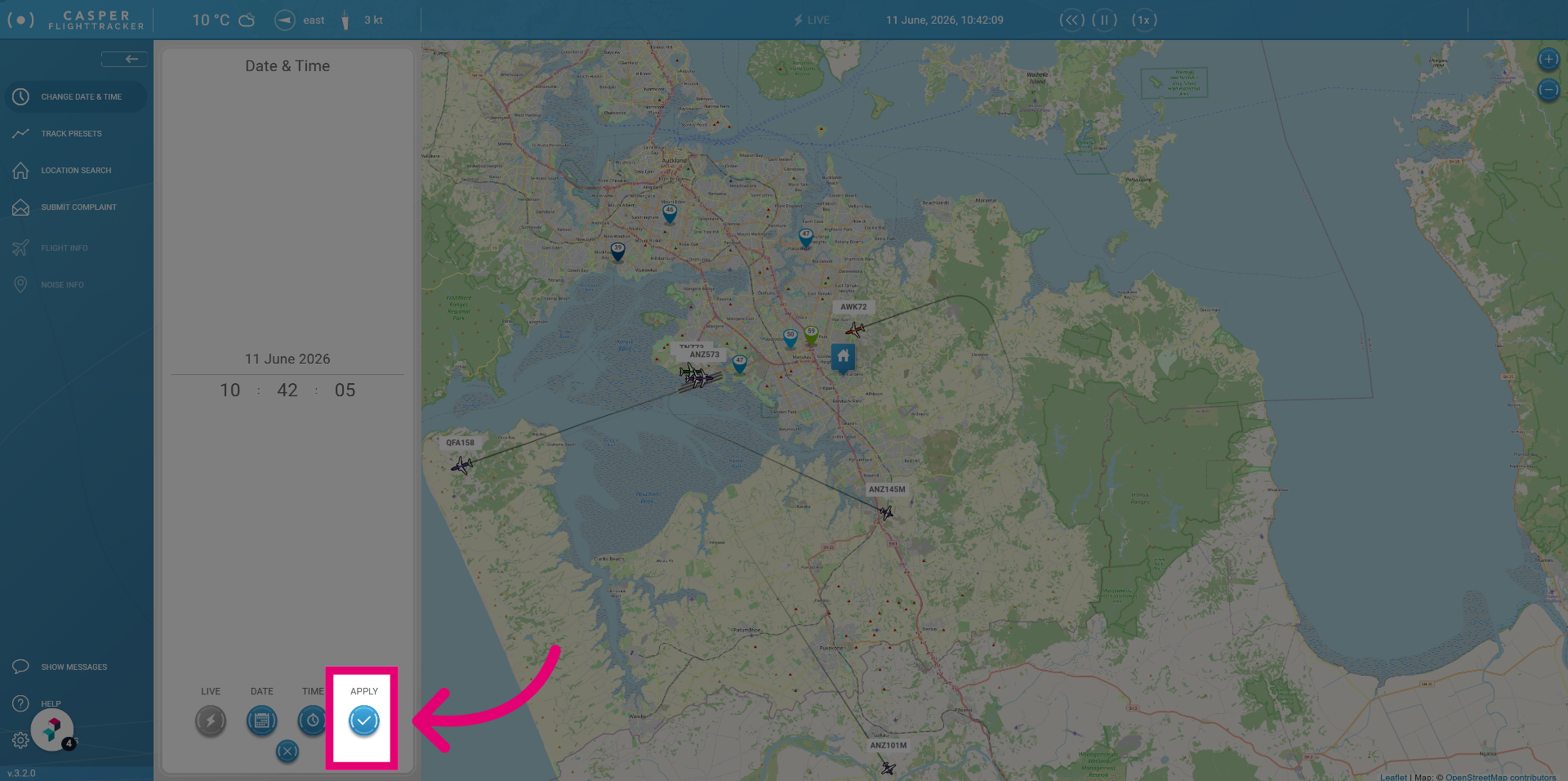
Click Change date & time to adjust the flight tracking period and synchronize data.
Click apply to confirm and save the new date and time settings for flight tracking.
Track presets
Click Track presets to access information on where flights take place during preset time windows.
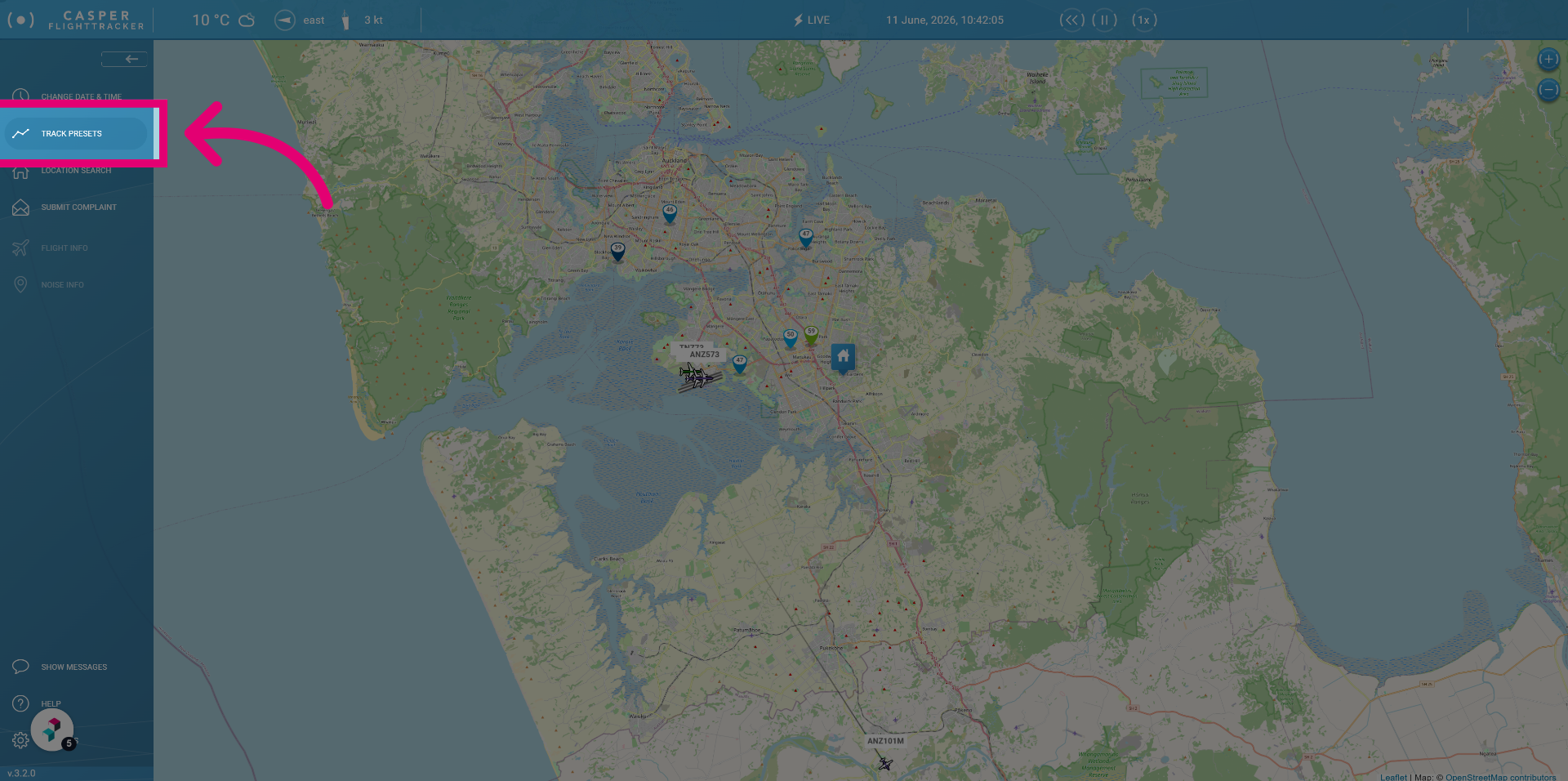
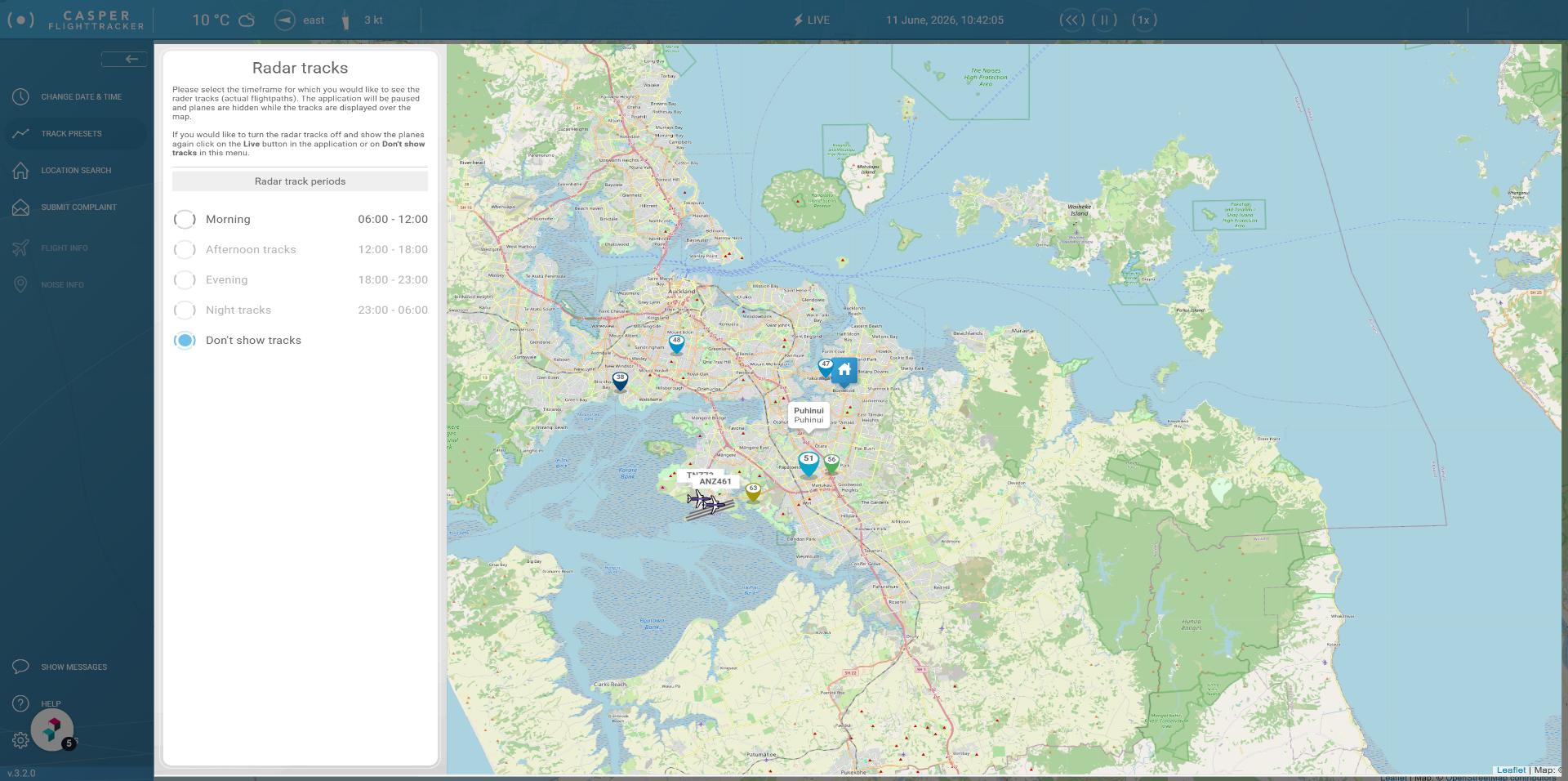
By default Track presets is set to don't show tracks.
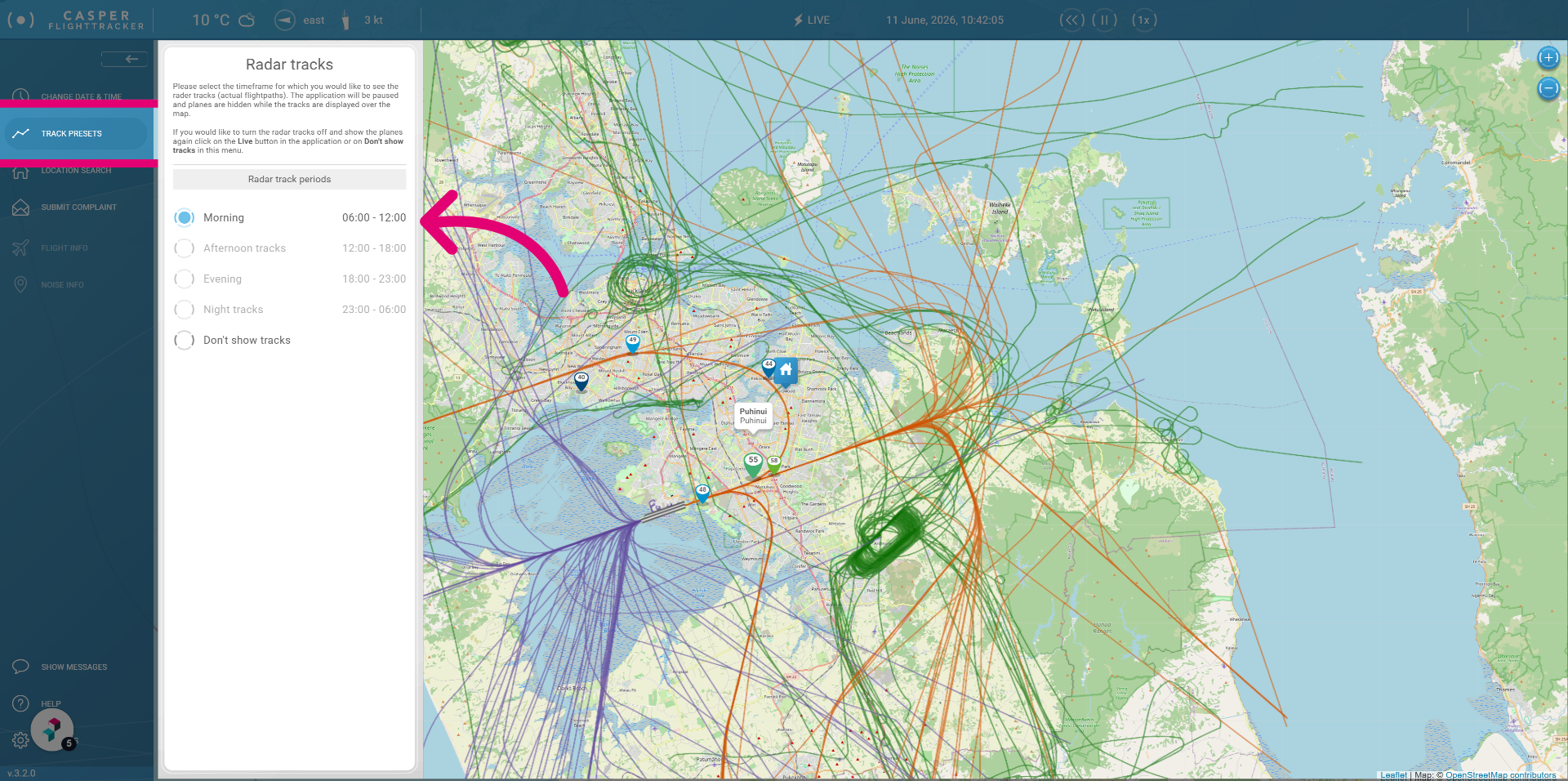
By clicking on for example morning you can see what tracks are flown in a morning period.
Location search
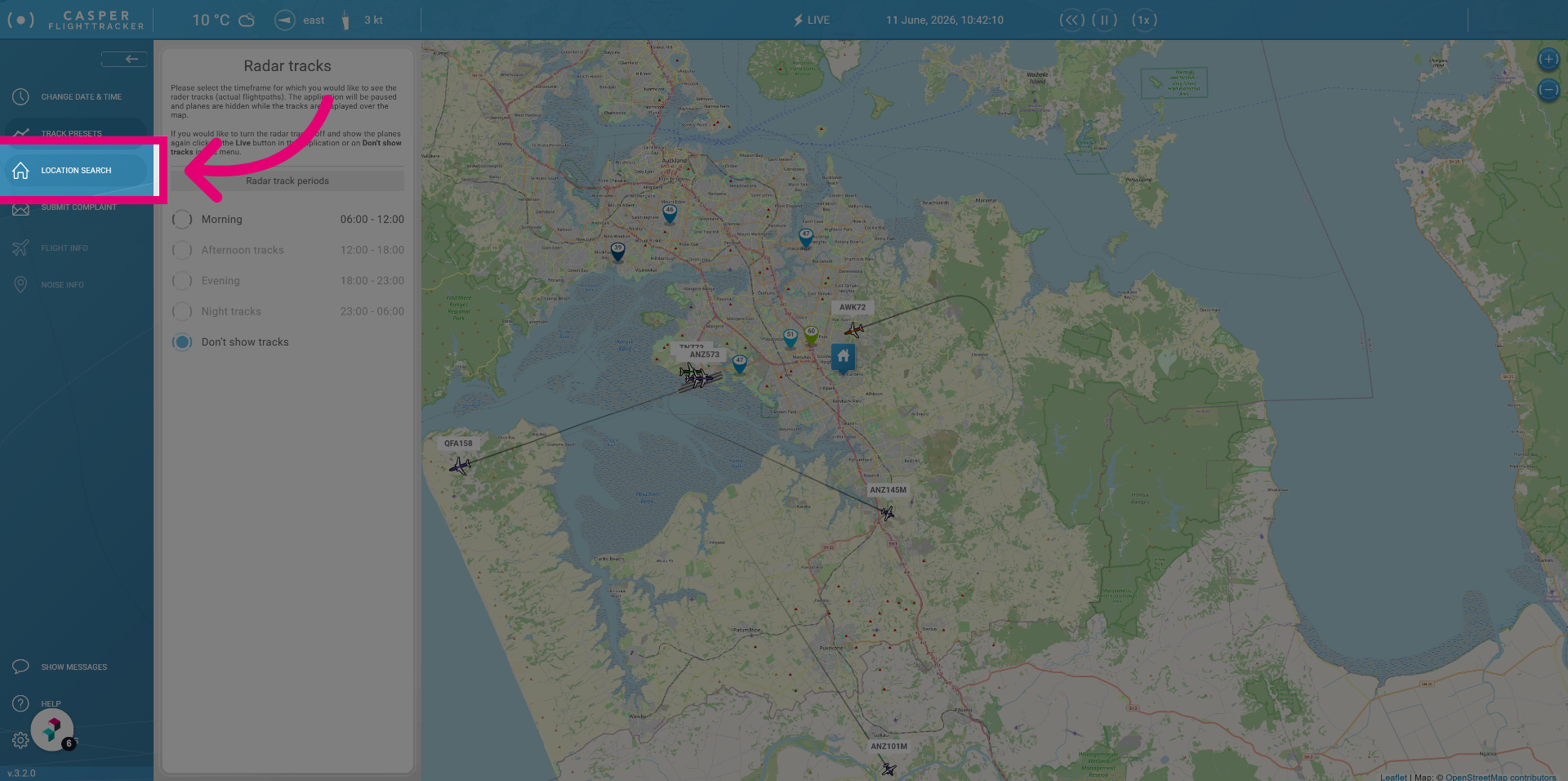
Click Location search to begin searching for your location so you can set it in the FlightTracker.
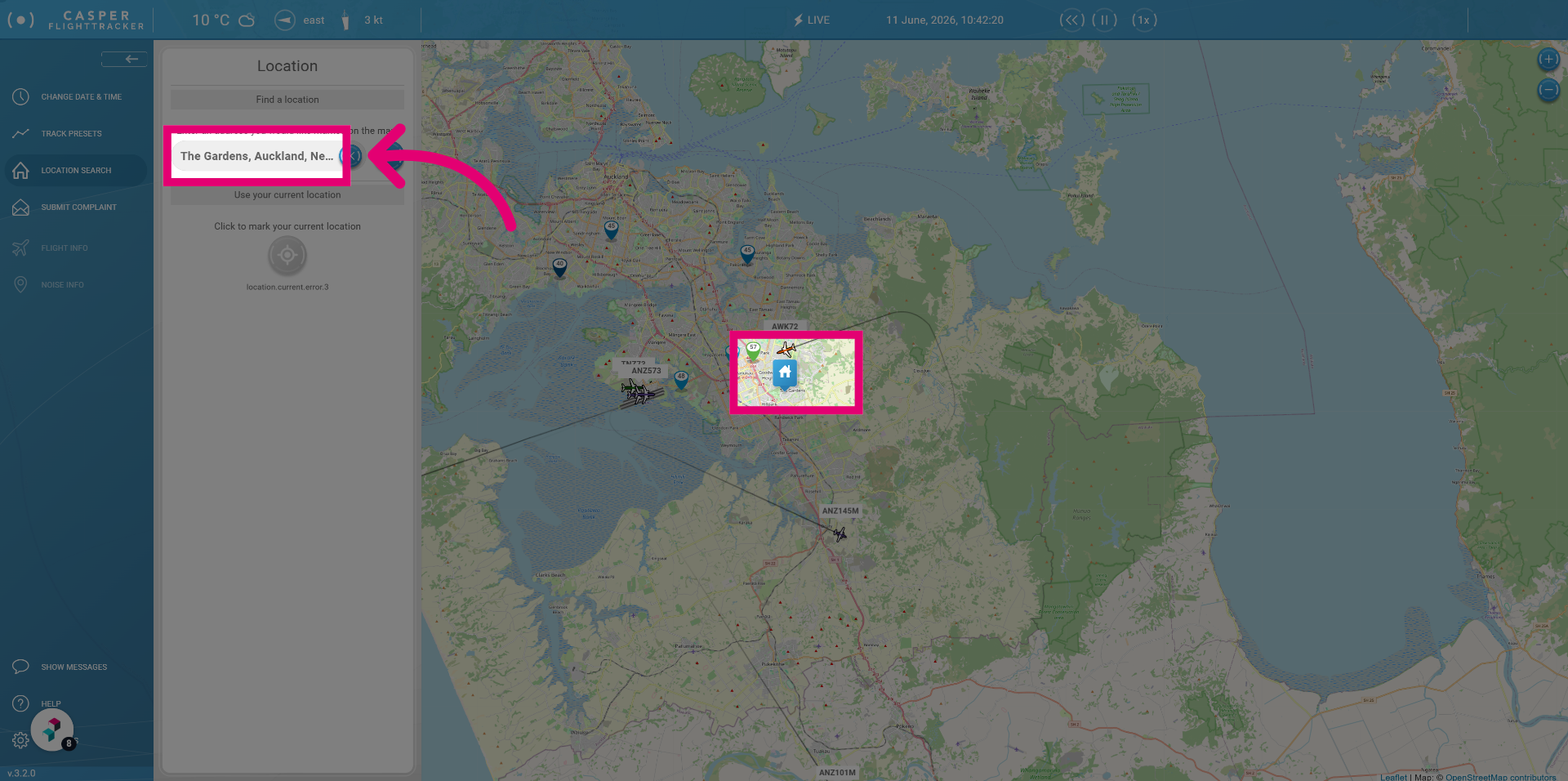
Start typing an address and set it. This location will be used in the flight panel to calculate the minimum distance a specific flight was from that location.
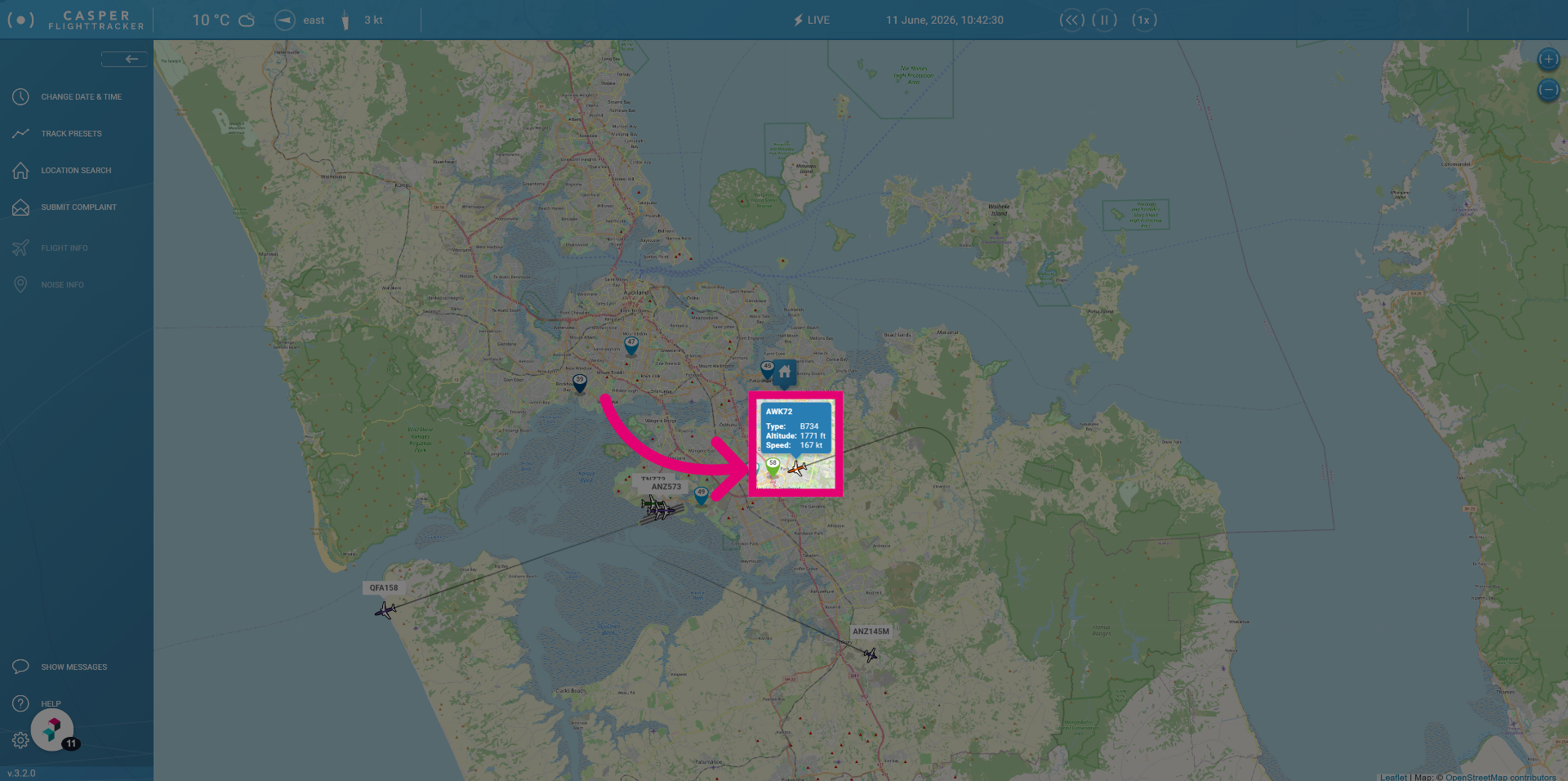
Click the flight to view specific flight information in the flight menu.
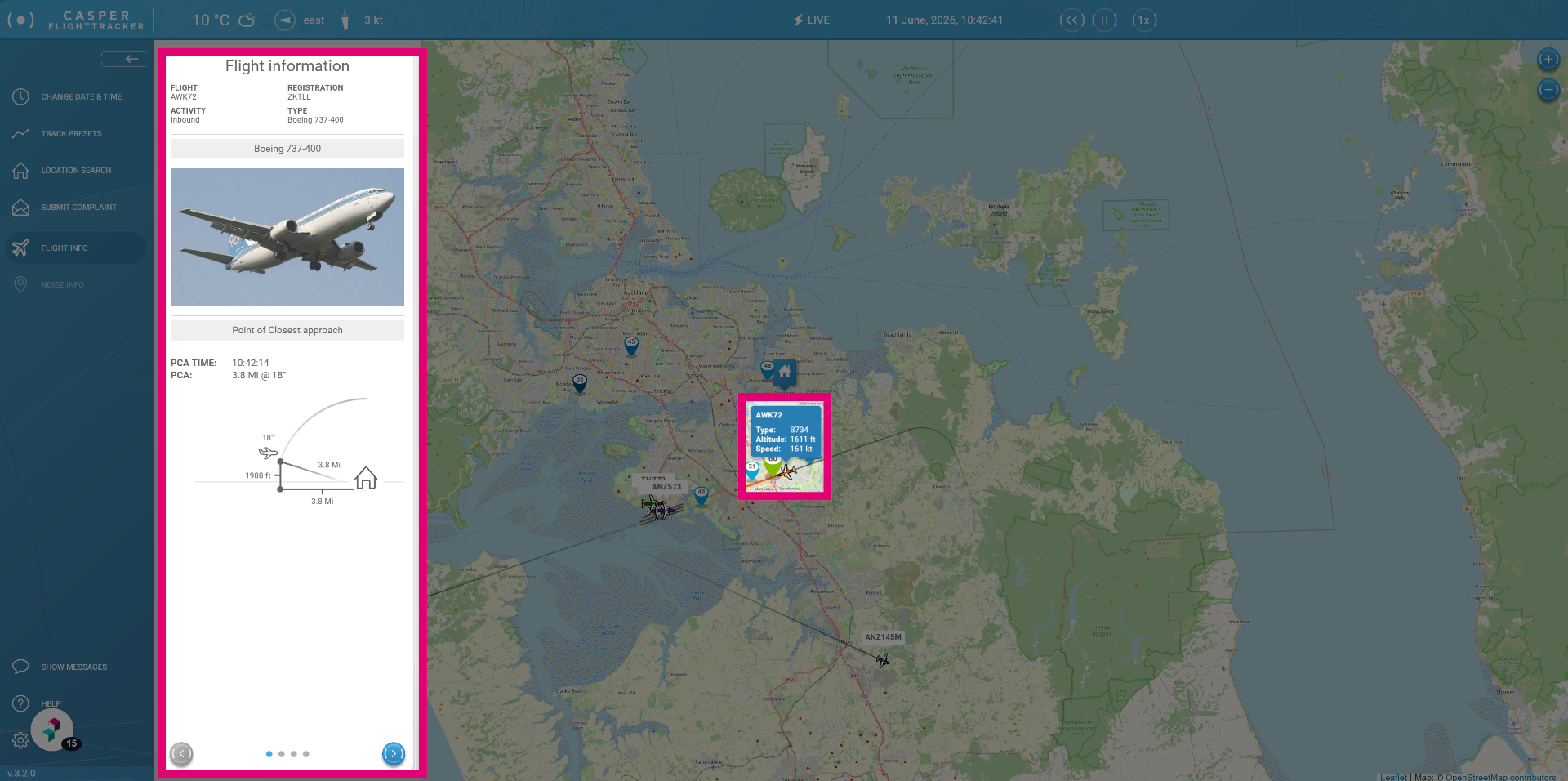
The flight menu shows information about the selected airplane and flight, but also gives you information on the shortest distance the flight was from your set location.
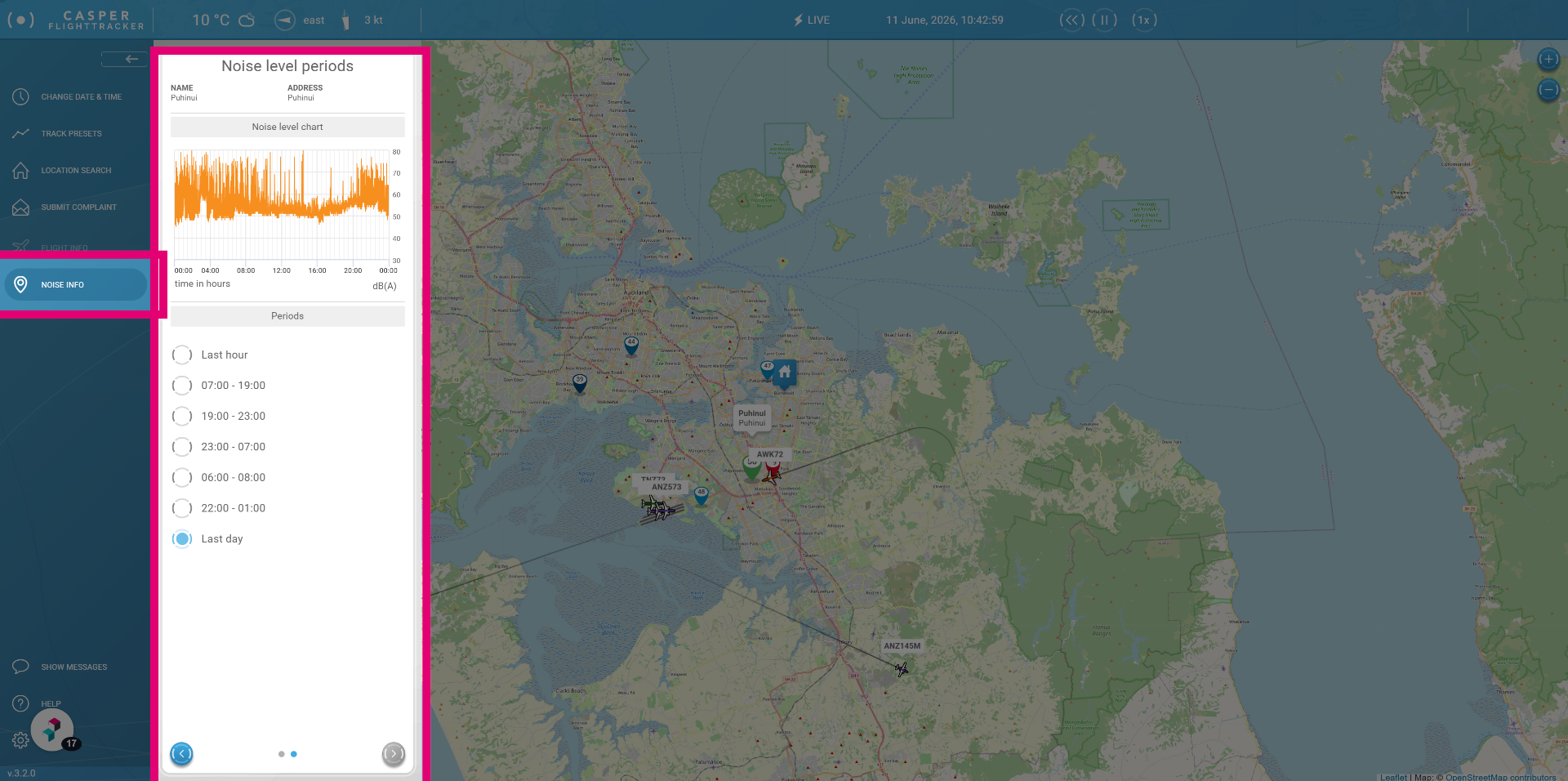
Click a Noise monitor to show information about recorded sound levels.
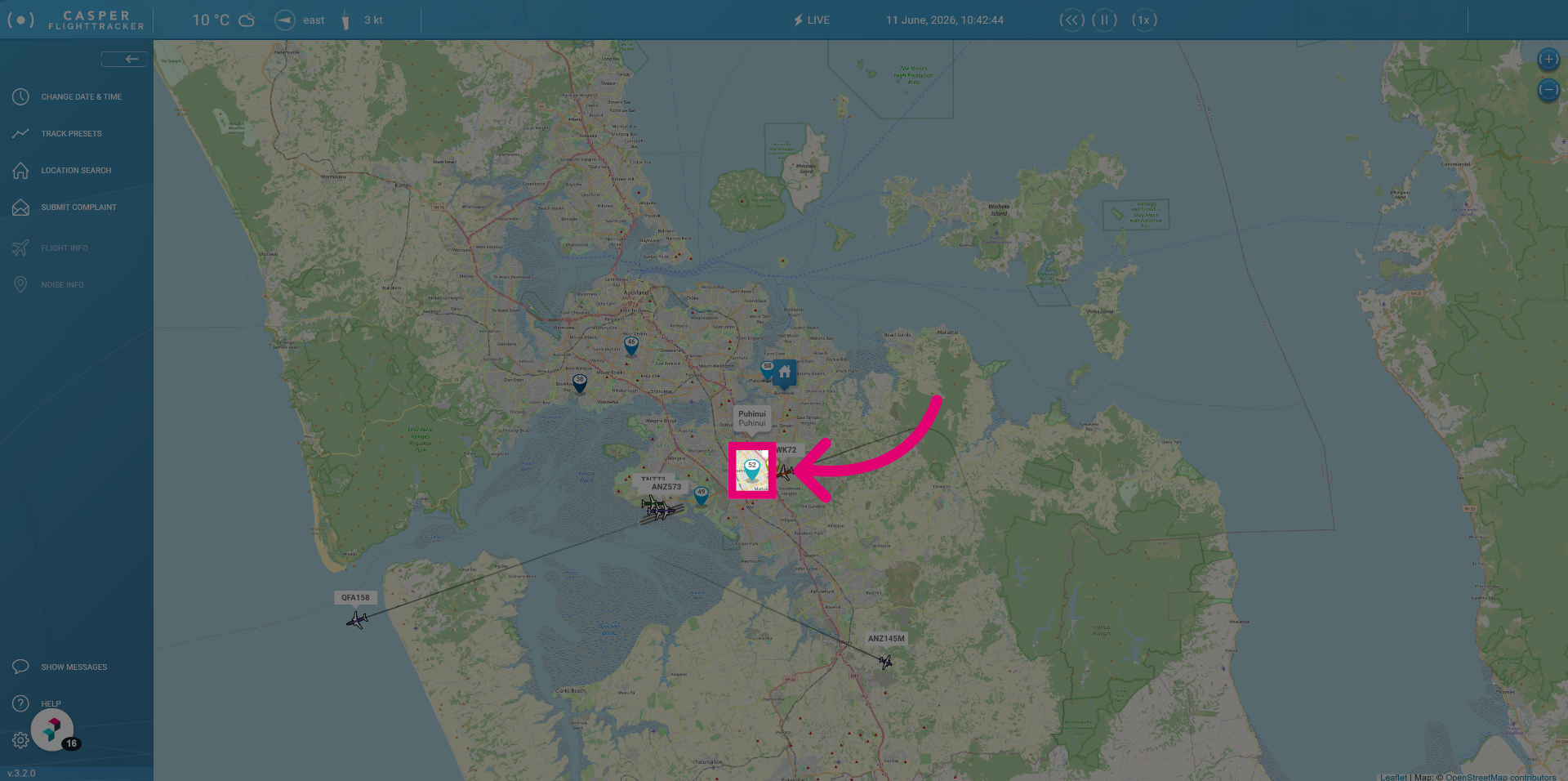
By default this menu will show you the sound of the last hour, but you can also select other time periods to see what the noise levels were like.
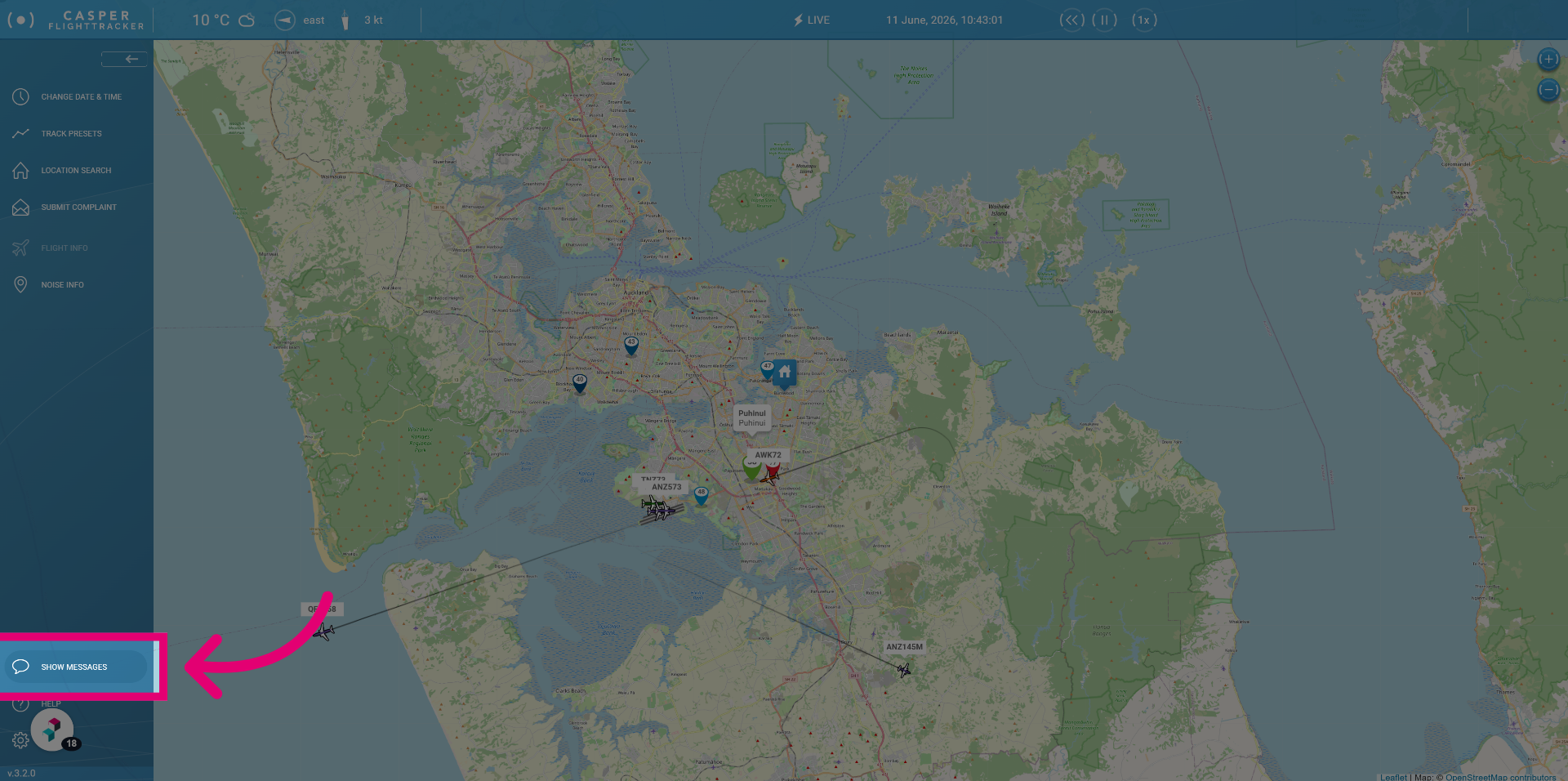
Show messages
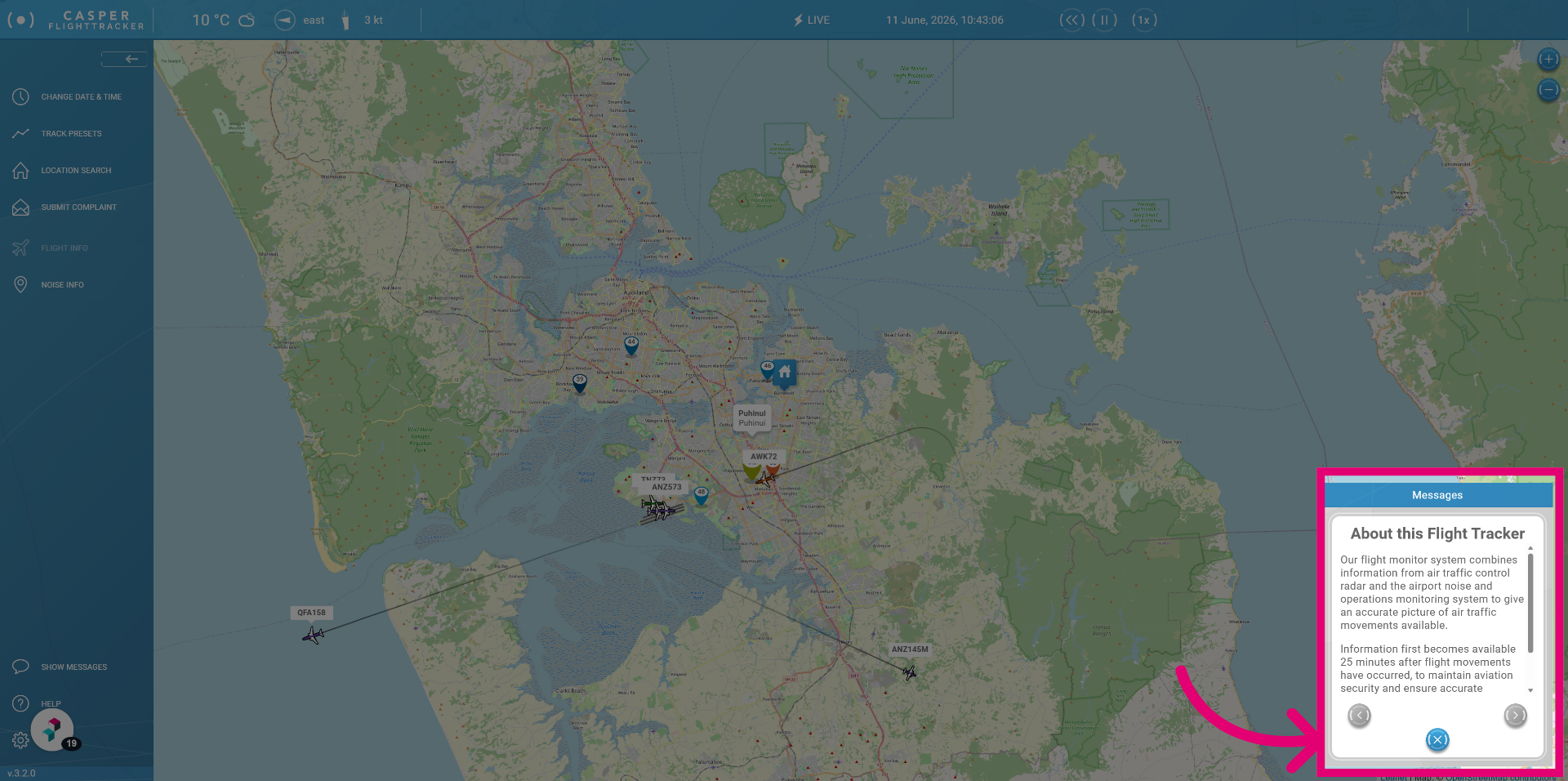
Click Show messages to display communications and alerts from the Airport.
After reading a message you can click the close button to hide the messages again.
Help
Click Help.
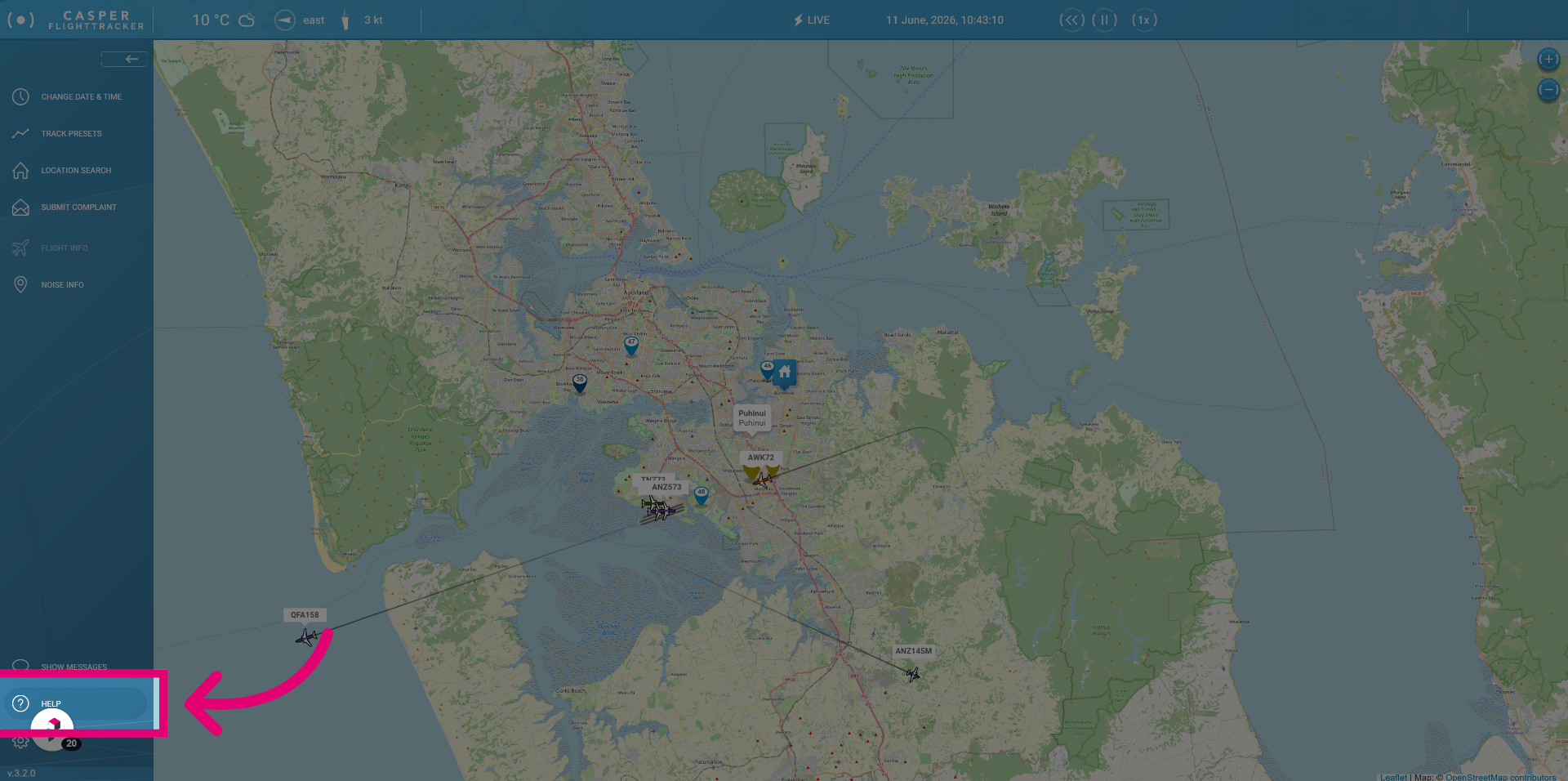
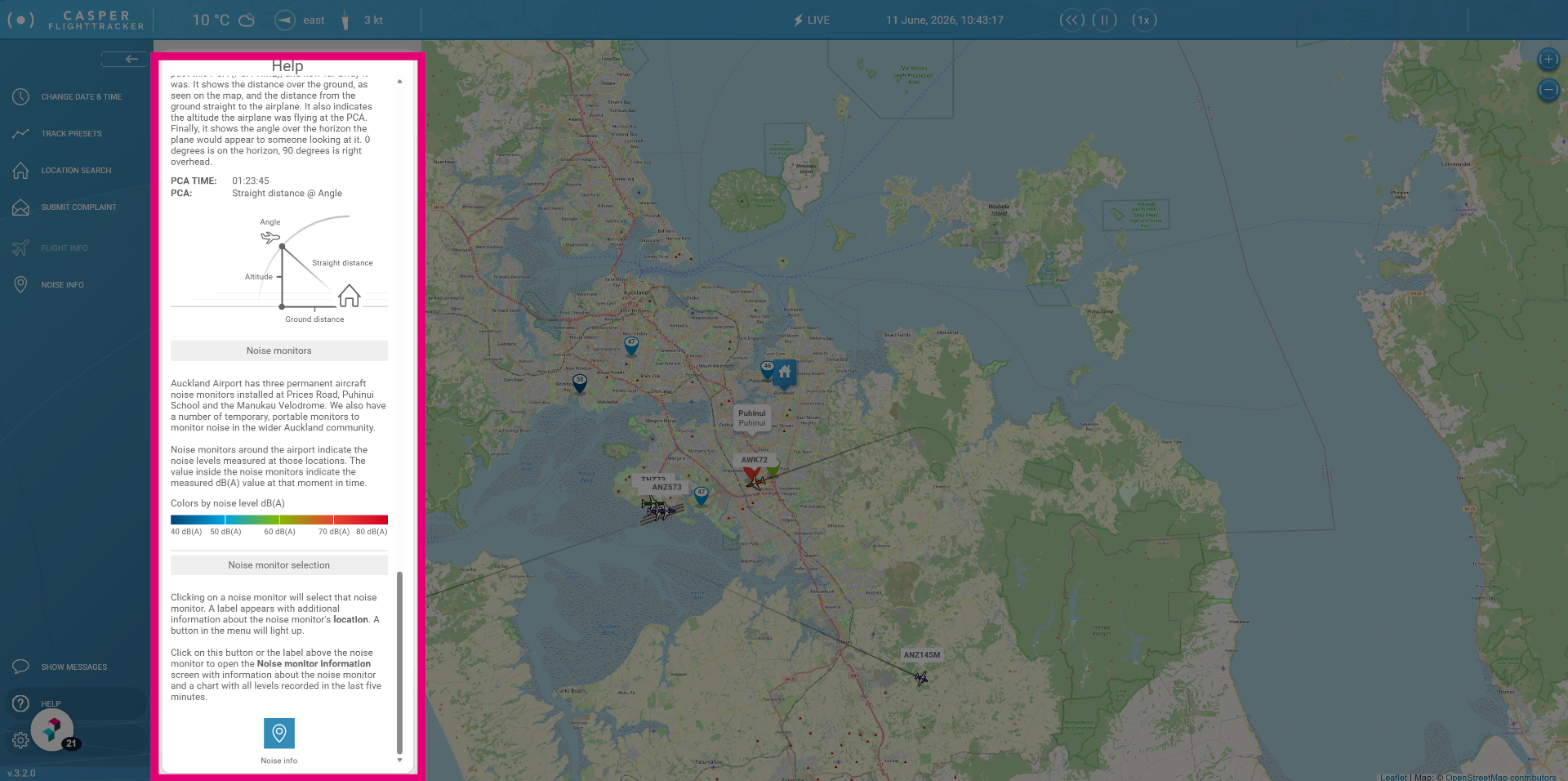
You can find information on airport terminology and FlightTracker usage in this section.
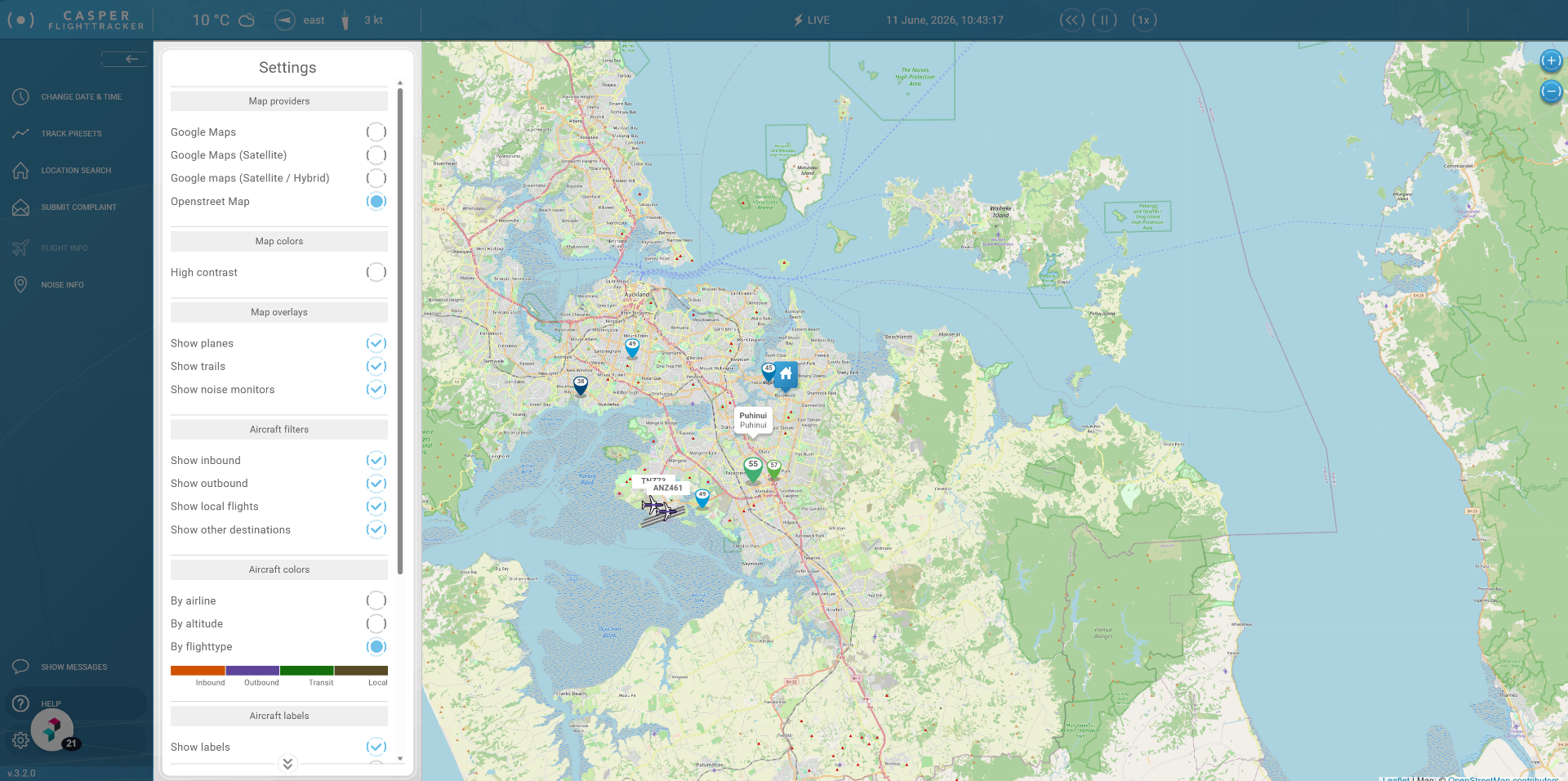
Settings
Click Settings.
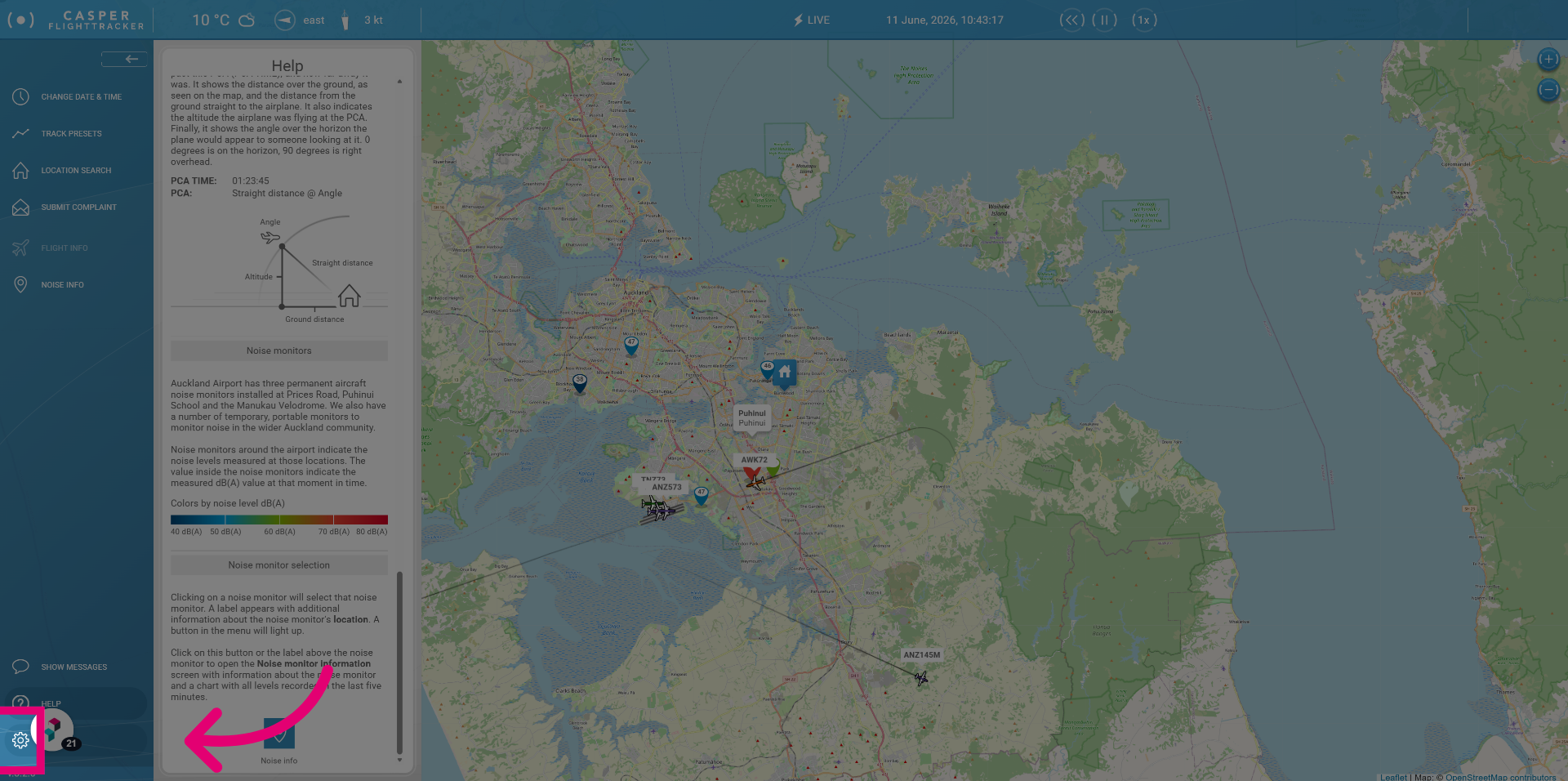
In Settings you can choose to use different color options and hide certain information that you might not be interested in. You could for example hide all local flights.